Pulsar ES1 Mouse Pad: Product Overview and Quick Take
A $39.95 mouse pad has to do more than look tidy: it has to give you the same response when a match becomes frantic and your hand is moving on instinct. The Pulsar ES1 mouse pad is aimed at that particular problem, offering controlled movement without the rigid feel associated with a hard pad.
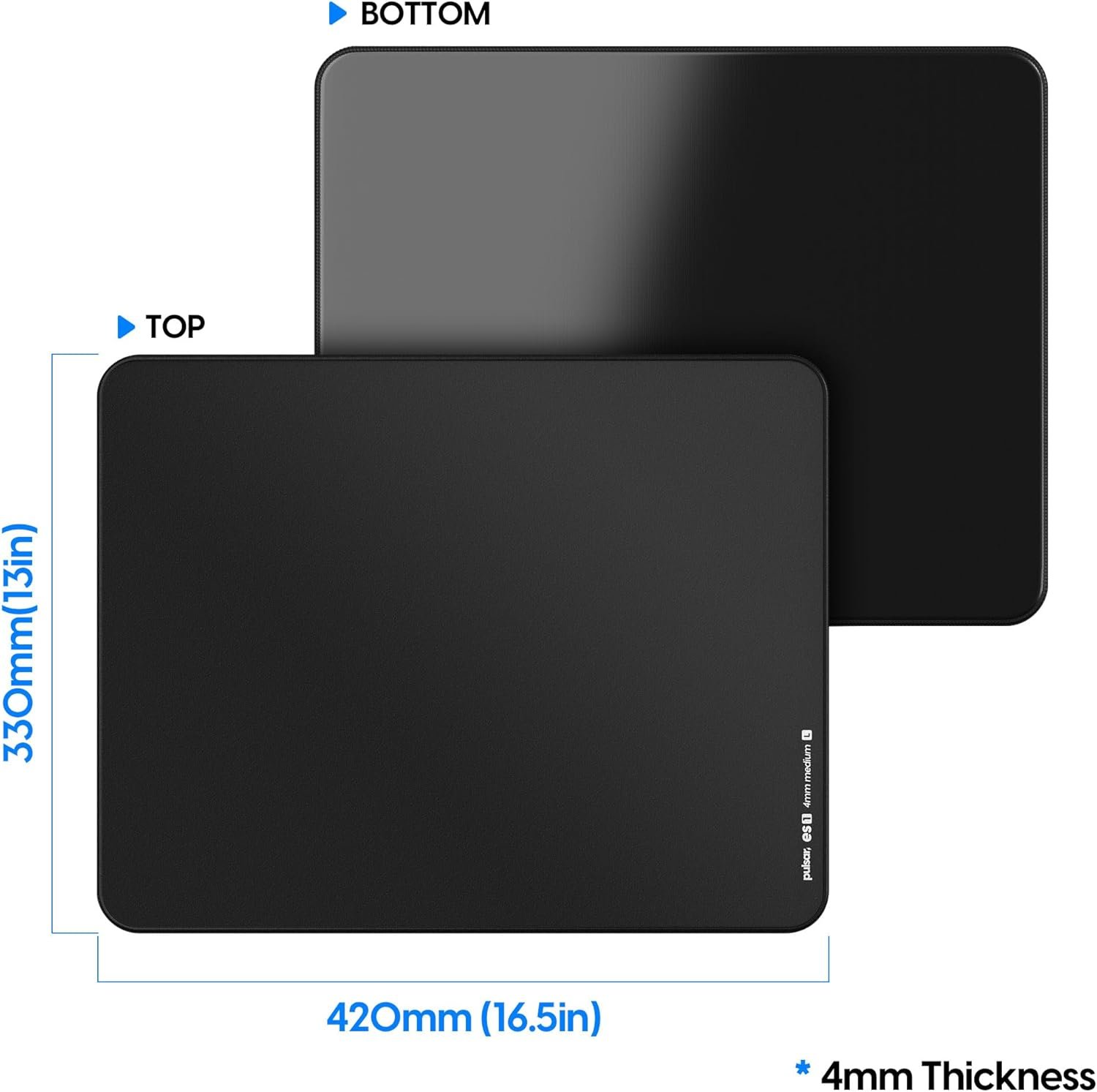
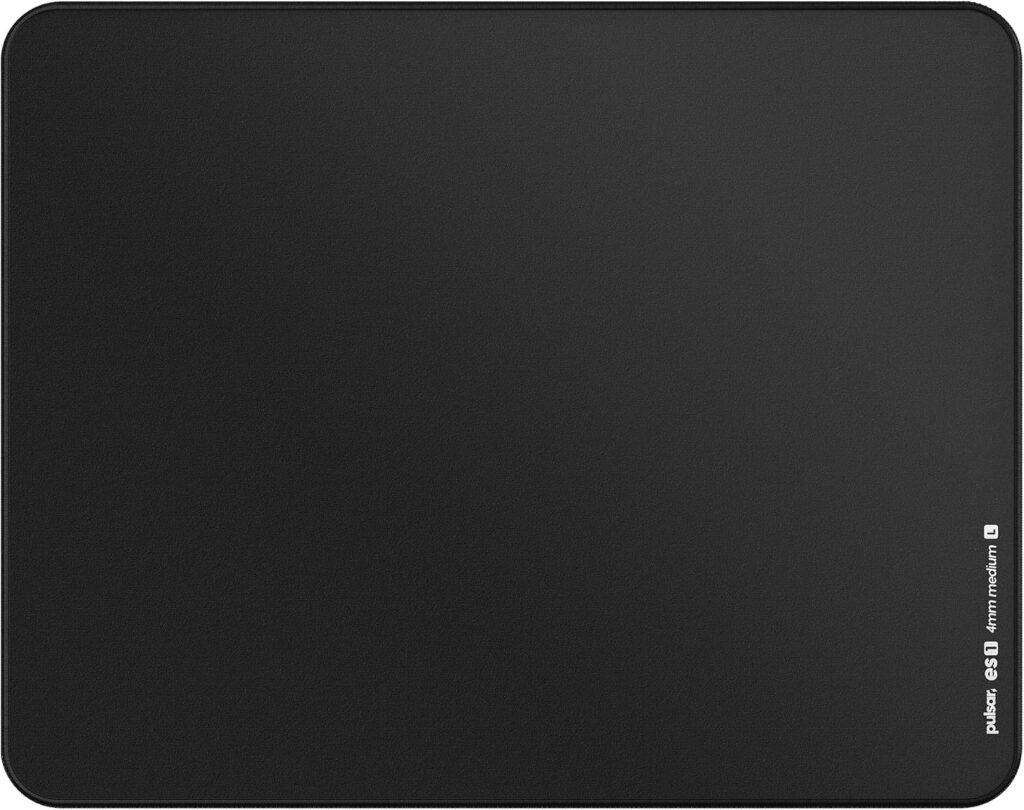
This is the Pulsar Gaming Gears ES1 4mm Gaming Mouse Pad in L, Black, made for competitive eSports. On paper, it combines a 16.5 x 13-inch working area, a 4mm medium cushion, a hybrid control fabric, an ALPHA CELL anti-slip base, and stitching around the entire edge.
Listed as in stock at $39.95 in 2026, it looks most appealing if you prefer an even, deliberate glide over outright speed. It is not an oversized desk-covering mat, and it does not try to justify its price with RGB lighting or extra electronics. You are paying for the feel beneath the mouse and the construction around it.
Early assessment: the ES1 is worth considering when your priorities are stopping control, stable desk contact, and a firmer surface. If your current pad already lies flat, stays put, and feels comfortable, the upgrade is more about preference than necessity.

Pulsar ES1 Mouse Pad Specifications and What They Mean at the Desk
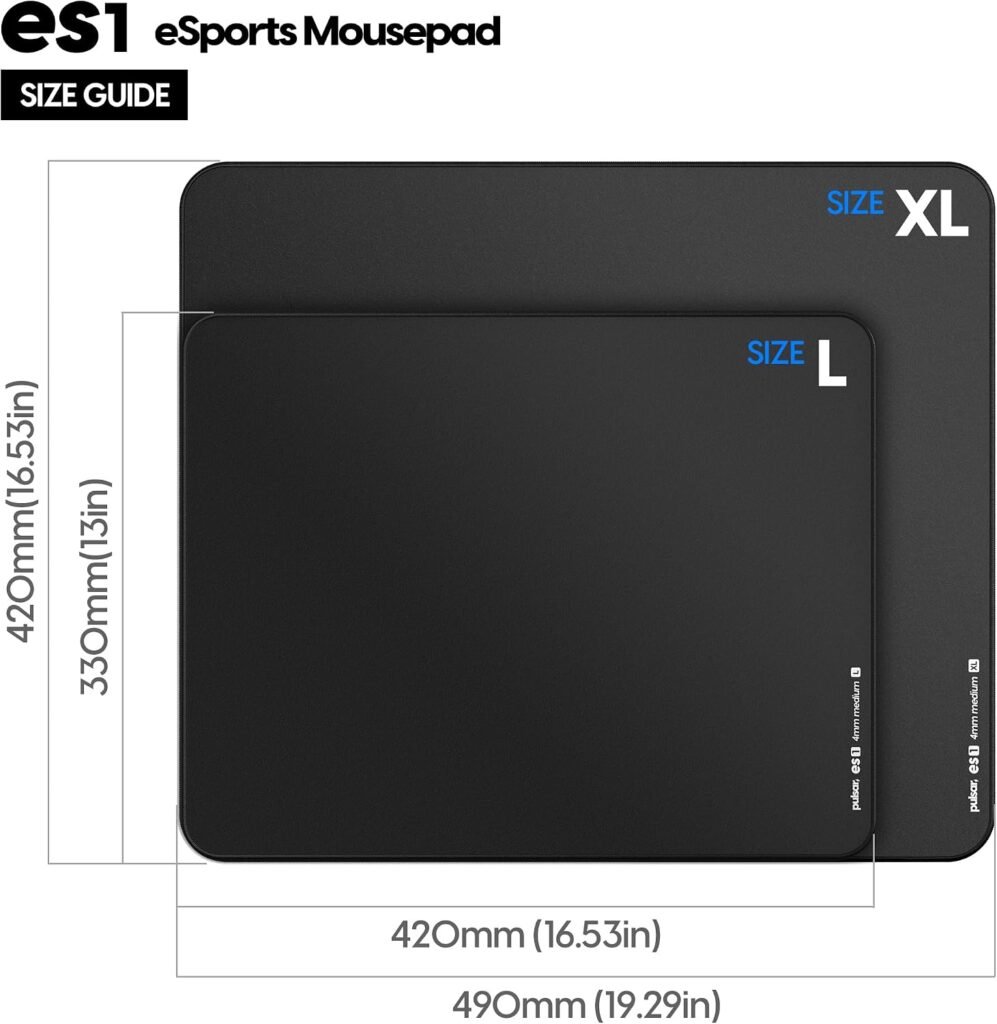
The listing gives the ES1 a conventional L designation, but the measurements matter more than the letter. Here is what you are actually getting:
| Specification | Listed detail |
|---|---|
| Size | L |
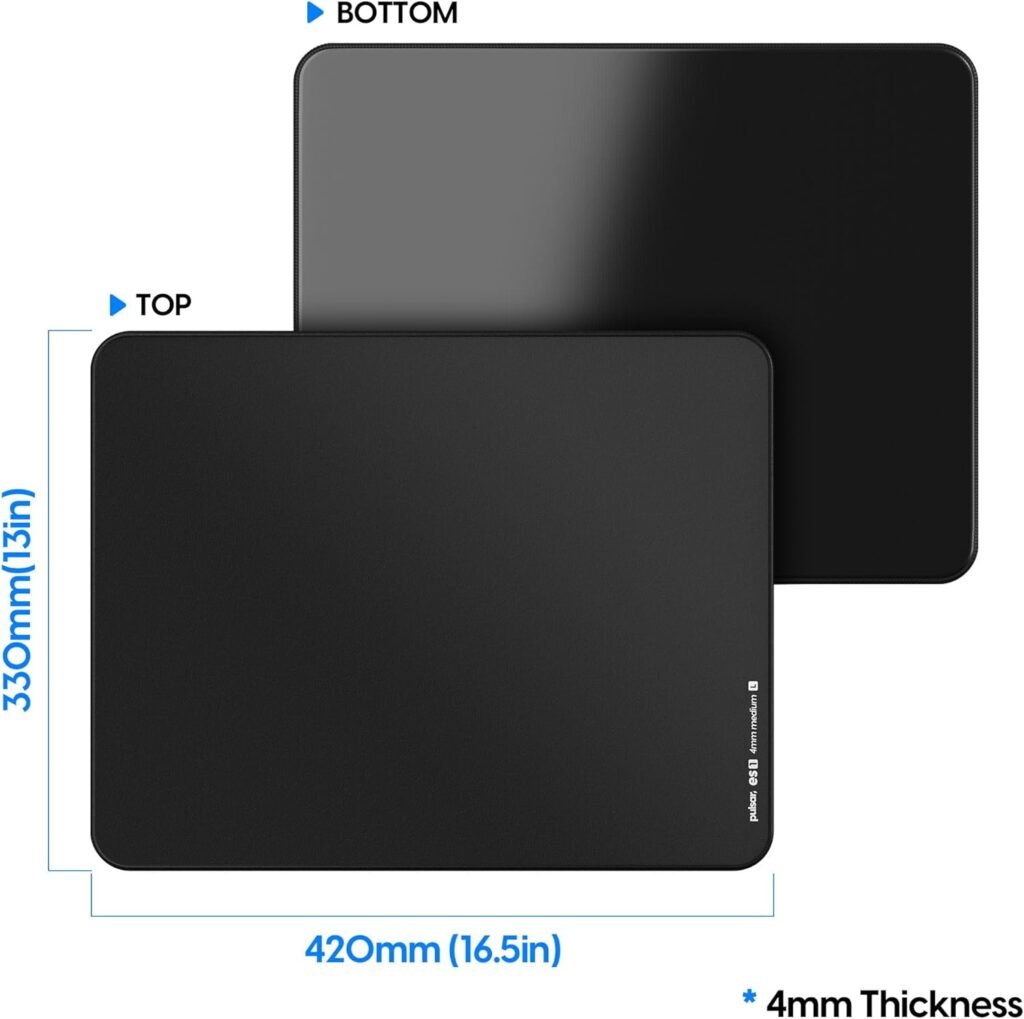
| Footprint | 16.5 x inches |
| Thickness | 0.1 inch listed; 4mm stated |
| Surface | Hybrid control fabric |
| Cushion | Medium; harder to press down, less cushioning |
| Base | ALPHA CELL polyurethane |
| Finish | Black |
| Edge | 360-degree anti-fray stitching |
There is a formatting inconsistency in the listing: it states both 0.1 inches and 4mm. Since 4mm converts to approximately 0.157 inches, the 4mm figure is the more precise specification. You should think of the pad as a substantial, firm cloth-style mat rather than an ultra-thin sheet.
The L footprint suits moderate-to-low sensitivity play, but it leaves less spare room than an XL pad that spreads across most of a desk. Before ordering, place your keyboard and monitor stand where they normally sit, then compare the remaining usable area with the listed footprint. Broad arm movements can quickly expose the limits of a moderate pad.
“Medium cushion” should not be confused with plush padding. The description specifically says it is harder to press down and offers less cushioning. That may give you a steadier mouse height and more direct desk contact, though your wrist will receive less softness during long sessions.
Key Features Deep-Dive: Hybrid Control Surface
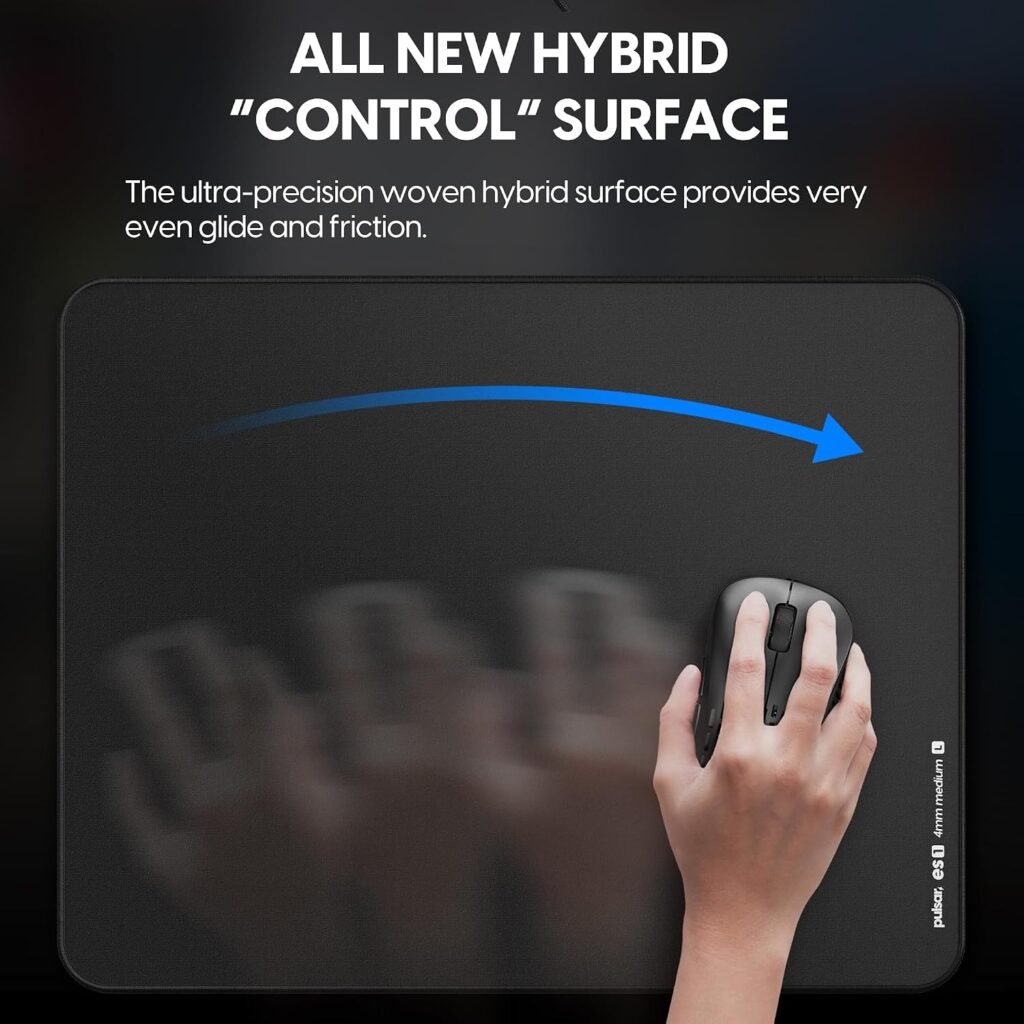
The central feature is the ultra-precision woven hybrid surface, described as a control design that provides very even glide and friction. In practical terms, the aim is to avoid a mouse that feels suddenly loose in one movement and unexpectedly resistant in the next.
That character can help with the small decisions that decide whether an aim adjustment stops where you intended. It may also feel useful during tracking, tactical-shooter movement, menu navigation, and ordinary desktop work. The design does not prove that it will improve your accuracy; it simply targets a more predictable relationship between hand movement and cursor movement.
For a low-sensitivity FPS player, controlled friction can make a wide swipe easier to arrest. A tactical-shooter player may appreciate the same restraint during micro-adjustments. In a MOBA or productivity setup, the benefit is less about competitive aim and more about a pointer that feels measured rather than skittish.
The trade-off is speed. If you like a very slick surface and rely on minimal resistance for rapid repositioning, the ES1 may feel slower than your preferred cloth or speed pad. Neither preference is wrong. The relevant question is whether you lose more time correcting overshoot than you would gain from a faster initial glide.
- Keep your current mouse, feet, sensitivity, and polling settings unchanged.
- Use the ES1 for several normal sessions rather than judging it after a few minutes.
- Compare stopping control, micro-adjustments, and hand fatigue with your existing pad.
This simple comparison tells you more than a promise of improved aim, particularly because no static-friction or dynamic-friction measurements are supplied.

ALPHA CELL Anti-Slip Base and 4mm Medium Cushion
The ALPHA CELL base is described as a high-density memory-cell polyurethane construction intended to keep the pad planted while you move. That is a useful feature for competitive play because a pad that shifts can turn a familiar swipe into an unwanted reset.
Stability is not decorative. If the base moves during a fast turn, you may have to stop, straighten the pad, and rebuild your position. The ES1’s base is designed to reduce that interruption, although the supplied information does not guarantee that it will remain immobile on every desk material.
The 4mm medium cushion reinforces the same stable character. Because it is described as harder to press down, the surface should feel firmer under your mouse hand than a softer, more yielding mat. That may help maintain a consistent relationship between the mouse, pad, and desk, but it also means less relief if you want your wrist to sink into the fabric.
Desk preparation will affect the result. A smooth, clean surface gives the polyurethane base a better chance to grip; dust, crumbs, textured finishes, and uneven boards can reduce contact. Set it up carefully:
- Clear the desk completely and wipe the contact area.
- Let the surface dry before placing the pad.
- Unroll the ES1 fully and allow it to settle flat.
- Lift the pad and remove debris whenever you notice movement.
Judge the base only after this preparation. A sliding pad on a dusty desk does not necessarily indicate a defective construction, but neither should the material description be treated as a guarantee against movement.
360-Degree Anti-Fray Stitching and Long-Term Durability
The perimeter is stitched through all degrees, and Pulsar describes the stitching as smaller and lower so it will not bother your wrist. That is a more useful design choice than a raised decorative border: when your wrist repeatedly crosses the edge, even a small ridge can become noticeable.
A low stitched border should make the transition from fabric to edge less distracting during aiming and everyday browsing. It also gives the outer fabric physical reinforcement, helping resist separation where repeated contact, sweat, and friction would otherwise work against the material. The description supports that construction goal, but it does not establish a guaranteed lifespan.
The areas worth monitoring are predictable: the front wrist edge, the corners, places where your forearm rests repeatedly, and any section exposed to moisture. Look for lifting thread, a separating seam, surface discoloration, or a change in texture rather than waiting until the problem affects tracking.
Care is straightforward. Wipe the surface according to the manufacturer’s care guidance, keep food and drinks away, and let the pad dry completely before using it again. Do not trap grit beneath the base, since debris can affect both comfort and grip.
Customer feedback would be the best evidence for whether the stitching stays comfortable and intact over time. The construction claim is encouraging, but design intent and long-term experience are not the same thing.
What Customers Are Saying About the Pulsar ES1 Mouse Pad
The supplied product information does not include a current star rating, review count, review dates, or enough individual customer comments to identify reliable patterns. I therefore cannot responsibly claim that buyers consistently praise the glide, report months of durability, or rate the ES1 at a particular score.
That evidence gap matters. A first-day comment about texture tells you how the surface feels out of the packaging; a report after several months tells you more about edge wear, discoloration, flatness, and whether the base still grips. Those are different kinds of evidence and should not be blended together.
When a live listing provides sufficient detail, you should sort reviews into practical themes:
- Glide and stopping: repeated comments can reveal whether the control character feels even or unexpectedly slow.
- Base performance: look for multiple reports about movement on similar desks, not one complaint tied to an unknown surface.
- Comfort: check whether buyers find the low stitching unobtrusive during long sessions.
- Flatness: distinguish temporary packaging curl from a persistent problem.
- Durability: give more weight to dated reports describing extended use than to an opening-day impression.
Prioritize repeated patterns from verified purchases and recent reviews, while separating shipping or packaging complaints from opinions about surface speed. For now, the confirmed evidence is the stated construction and intended use, not a customer consensus.
Pulsar ES1 Mouse Pad Compared With Alternatives
The SteelSeries QcK Gaming Mouse Pad is the more familiar conventional-cloth choice. It makes sense if you want a straightforward fabric experience and do not specifically need the ES1’s hybrid control description, firmer 4mm cushion, ALPHA CELL polyurethane base, or low-profile stitching around the full perimeter.
The Pulsar Paraglide XL Esports Level Premium Gaming Mouse Pad is the more obvious size alternative. Its XL format is intended for buyers who want expanded coverage and more room for broad movements, while the ES1 L is easier to accommodate when desk space is limited. The choice is therefore less about declaring one universally faster or better and more about matching footprint and surface character to your setup.
Use these distinctions when comparing live listings:
| Choose | When it makes sense |
|---|---|
| Pulsar ES1 | You want a controlled hybrid surface, firmer support, and a moderate L footprint. |
| SteelSeries QcK | You prefer a familiar conventional cloth-pad experience. |
| Pulsar Paraglide XL | You need expanded coverage for wide mouse movements. |
Prices and availability for competing products change, so check their current listings at publication time rather than relying on an old comparison. Your mouse feet, sensitivity, desk space, and preferred glide matter more than a generic performance ranking.
Who Should Buy the Pulsar ES1 Mouse Pad?
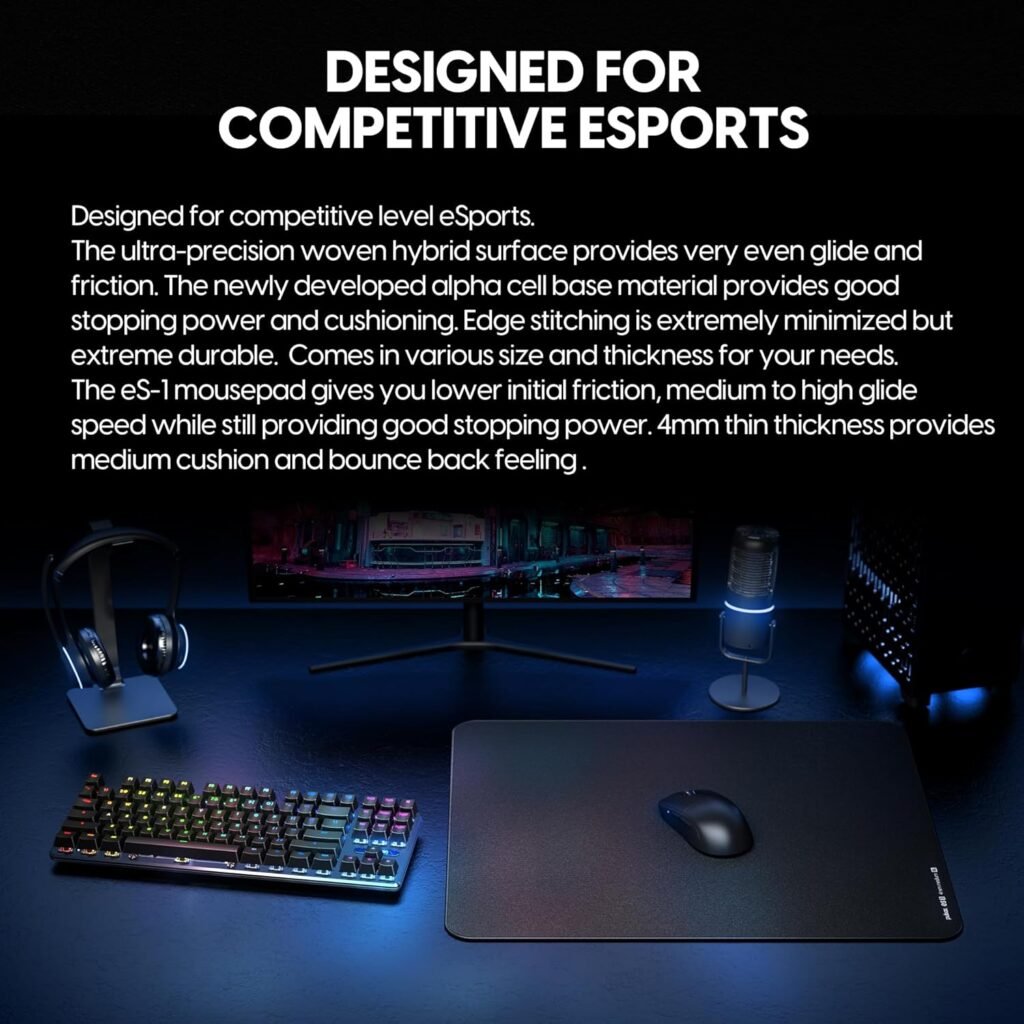
The best match is a competitive FPS player who wants predictable stopping control and a firmer pad rather than a soft, plush surface. The ES1’s eSports-oriented design also suits you if your current mat shifts, feels inconsistent across its surface, or has an edge that catches your wrist.
The L format can work well on a compact or medium desk and for players whose movements stay within a moderate area. Very low-sensitivity players who sweep from the shoulder may find an XL alternative more comfortable. That is a spatial preference, not a flaw in the ES1.
You may also like it if you dislike high, rough edge stitching. The smaller, lower stitched border is intended to make repeated wrist crossings less intrusive. For productivity and design work, the controlled fabric can provide a measured pointer feel, though the product’s primary design brief remains competitive gaming.
Consider another category if you want maximum speed, a soft wrist cushion, RGB lighting, or a mat that covers the entire desk. The ES1 is deliberately focused, and focused products can be excellent when their priorities match yours but disappointing when they do not.
- Identify whether your current problem is slipping, uneven glide, insufficient room, or discomfort.
- Decide whether firmer support and controlled movement address that problem.
- Compare the pad’s working area with the way you actually move, not just the space available on paper.
- Choose the ES1 only if its surface character matches your preference.
Price, Availability, and Overall Value at $39.95
The listed price is $39.95, and the product is shown as in stock. At that level, you are paying for a specialized combination of hybrid control fabric, a 4mm medium cushion, the ALPHA CELL base, and stitching intended to protect the entire perimeter.
Compared with a basic cloth pad, the proposed value is not extra software or visual decoration. It is the physical construction beneath your hand: a surface designed for even friction, a firmer feel, an anti-slip polyurethane base, and an edge treatment intended to stay less intrusive during repeated contact.
That premium is easier to justify if you play competitively every day and can identify a specific weakness in your current pad. If your existing mat stays flat, grips the desk, tracks comfortably, and gives you the speed you want, the improvement may be too subtle to justify replacing it. Casual users are less likely to benefit from paying for a control-focused construction they do not need.
No warranty terms, replacement guarantees, or measured durability results are included in the supplied data, so those should not be counted in the value calculation. Check the current listing price before checkout, then judge the ES1 against your mouse, sensitivity, desk arrangement, and preferred surface feel.
Buying rule: choose the ES1 at $39.95 when controlled hybrid glide and a firm L-sized pad solve a specific problem. Otherwise, a simpler cloth alternative may be enough.
How to Set Up the Pulsar ES1 Mouse Pad for Consistent Tracking
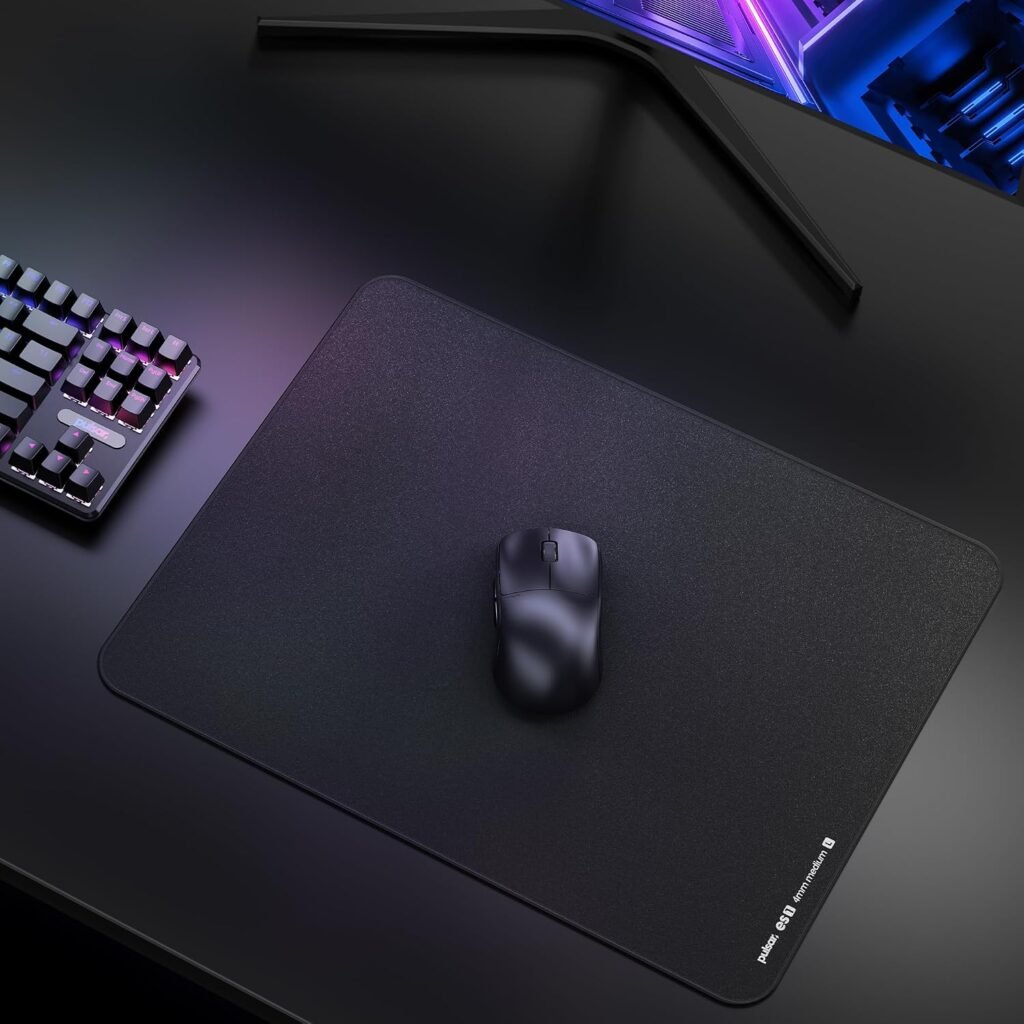
A careful setup gives the hybrid weave and anti-slip base the best chance to perform as intended. Start by removing the keyboard, mouse, and anything else from the desk so you can place the pad without stretching or trapping debris beneath it.
- Clean the contact area and let it dry completely.
- Position the pad squarely rather than allowing one corner to sit at an angle.
- Flatten the surface with your hands and give the material time to settle after unrolling.
- Return the keyboard and mouse so the active area is unobstructed.
- Check the base before gaming; dust or crumbs can compromise contact.
During your first session, pay attention to three things: whether fast swipes make the pad shift, whether your wrist repeatedly catches the stitched border, and whether any region feels different from the rest. Those observations are more useful than changing several pieces of equipment at once.
Keep the mouse feet and fabric clean. Fine dust can alter glide and undermine the consistency the woven surface is intended to provide. Use the same mouse sensitivity for several sessions, and make a brief note after each one about stopping control, micro-adjustments, and fatigue.
If the working area repeatedly limits your arm movement, the controlled feel seems too slow, or the firm cushion causes discomfort, the problem is probably a preference mismatch rather than a setup fault. At that point, a larger, faster, or softer pad would be a more sensible direction.
Pros and Cons
Pros
- Hybrid control surface is designed to provide even glide and friction.
- High-density ALPHA CELL polyurethane base is intended to keep the pad planted.
- 4mm medium cushion provides a firmer, more stable feel.
- 360-degree lower-profile stitching is designed to reduce wrist interference and protect the perimeter.
- Moderate L size suits compact and medium-sized desks better than an oversized desk mat.
Cons
- The L footprint may feel restrictive for very low-sensitivity players who use broad arm movements.
- The firmer medium cushion offers less wrist cushioning than a softer cloth pad.
- The controlled hybrid surface may feel slower to players who prefer maximum speed.
- There is no RGB lighting, full-desk coverage, or feature-heavy accessory design.
- The supplied product information does not include a confirmed customer rating, review count, or long-term durability testing.
Final Verdict
Key Takeaways
- The ES1 is a specialist control pad rather than a basic cloth mat, with a hybrid woven surface, firm 4mm cushion, polyurethane base, and low-profile stitched perimeter.
- Its moderate L footprint is easier to accommodate than an XL mat but gives low-sensitivity players less room for expansive swipes.
- At $39.95, it makes the most sense when consistent stopping control, firmer support, or a stable base addresses a specific weakness in your current setup.
- The supplied information confirms the construction and intended use, but not a current star rating, review count, or measured long-term performance.
Frequently Asked Questions
Is the Pulsar ES1 mouse pad good for FPS gaming?
The Pulsar ES1 is designed for competitive eSports, particularly for players who want predictable friction and stopping control. Its hybrid control fabric is intended to balance glide with restraint rather than deliver the fastest possible movement.
Is the Pulsar ES1 large enough for low-sensitivity play?
The listed L version measures 16.5 x inches, giving you a moderate working area. It can suit medium mouse movements and smaller desks, while very low-sensitivity players may prefer a larger XL pad.
Is the Pulsar ES1 soft or firm?
The product description states a 4mm medium cushion, described as harder to press down and less cushioned. That firmness can feel stable and consistent, but it may not suit you if you want a soft, plush wrist surface.
Does the Pulsar ES1 mouse pad stay in place?
The ES1 uses a high-density memory-cell polyurethane ALPHA CELL base, which is intended to resist unwanted movement. For the best result, use it on a clean, dry, reasonably smooth desk and remove dust from beneath the pad.
Disclosure: As an Amazon Associate, I earn from qualifying purchases.