

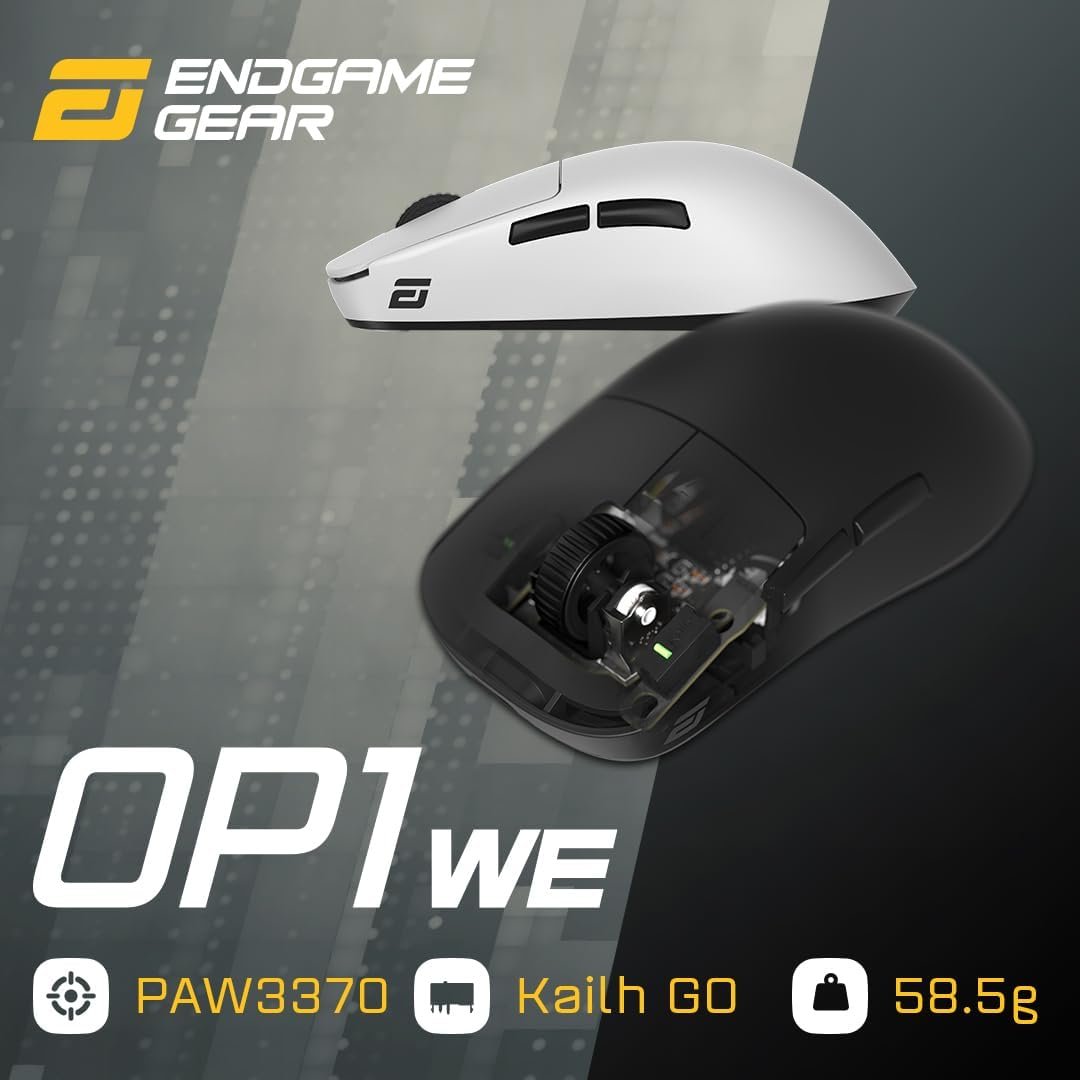
ENDGAME GEAR OP1we Wireless Gaming Mouse, CompX CX52850 Microcontroller, Pixart PAW3370 Optical Sensor, Mod-Friendly, Hybrid Skate Design, Claw Grip, 2.1 oz, Black
Can a lightweight wireless mouse deliver competitive performance without costing more than $79? The OP1we wireless gaming mouse makes a persuasive case on paper, particularly if you play with a claw grip and dislike the drag of a cable. It is aimed at esports players and PC gamers who want a compact 2.1 oz chassis, a dry-grip surface, and room to experiment with skates or other accessories.
The current listing price is $79, reduced from $89.99, although only one unit is reported in stock at the time of review. Based on the supplied specifications alone, the OP1we is worth considering if low weight, 2.4GHz wireless operation, sensor capability, and mod-friendly construction matter more to you than a large shell or a fully documented feature set.
In 2026, that is a conditional recommendation rather than an automatic one. Lightweight wireless mice vary greatly in shape, software, sensor generation, and ecosystem support. The OP1we wireless gaming mouse looks most convincing for a specific kind of buyer: someone who already knows that a compact claw-oriented shape feels natural in the hand.

OP1we wireless gaming mouse: Product overview and specifications
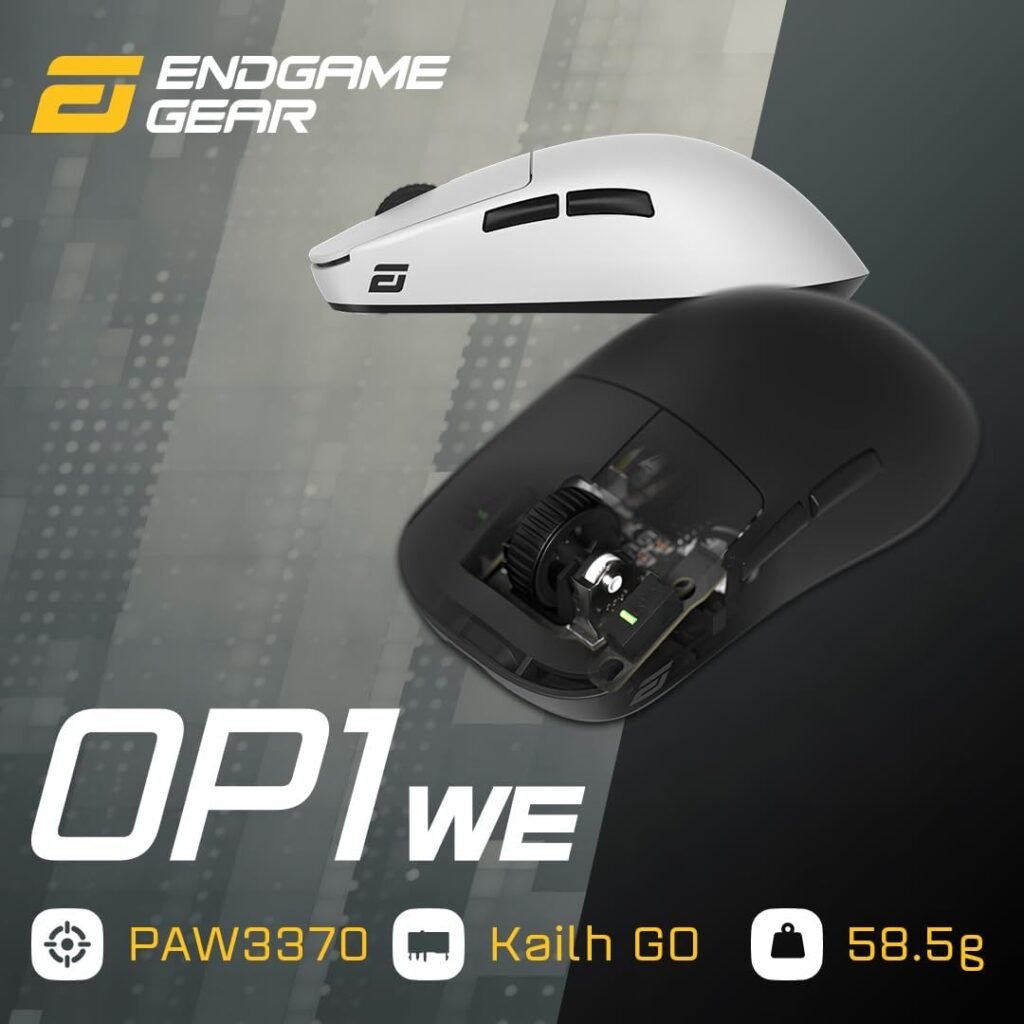
The OP1we is a black wireless gaming mouse built around claw-grip use. Its listed weight is 2.1 oz, and both the black and white editions are described as having a dry grip coat finish. That combination points toward a mouse intended to feel light and controlled rather than broad and palm-filling.
Its principal hardware includes a CompX CX52850 microcontroller, a Pixart PAW3370 optical sensor, and a 2.4GHz wireless connection. Battery life is described as roughly one week of gaming, which is useful as a planning estimate but not a precise runtime specification.
| Specification | Listed detail |
|---|---|
| Connection | 2.4GHz wireless |
| Microcontroller | CompX CX52850 |
| Sensor | Pixart PAW3370 optical |
| Maximum CPI | 19,000 CPI |
| Tracking speed | 400 IPS |
| Acceleration | 50G |
| Weight | 2.1 oz |
| Finish | Dry grip coat |
| Colour | Black; white edition also available |
| Skate design | Hybrid, supporting large or small skates |
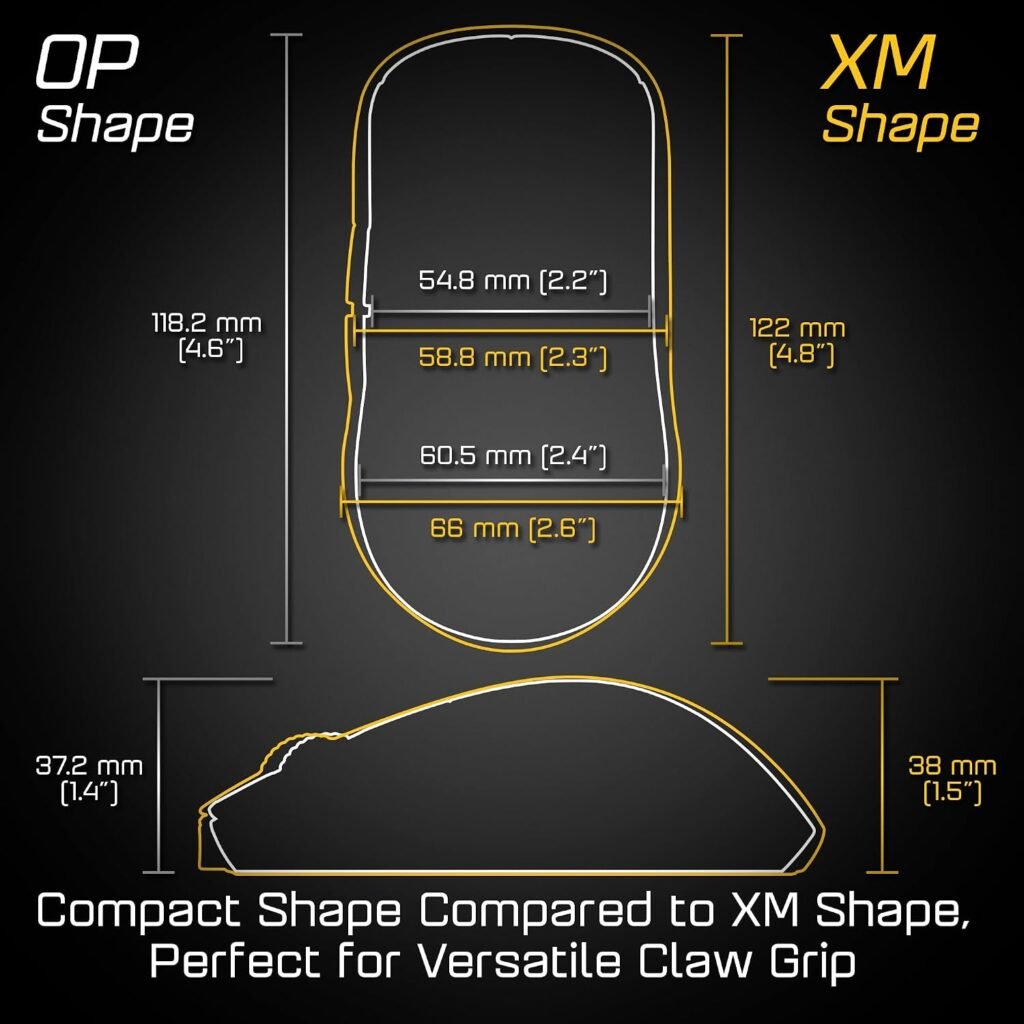
The supplied information does not establish the polling rate, physical dimensions, button count, or exact battery capacity. Before ordering, compare the missing dimensions with a mouse you already like and confirm compatibility with your preferred operating system, desk layout, and gaming software.
Key features of the OP1we wireless gaming mouse: Sensor, wireless performance, and competitive play
The Pixart PAW3370 gives the OP1we wireless gaming mouse considerable technical headroom. Its stated ceiling of 19,000 CPI, IPS tracking speed, and 50G acceleration are figures designed to reassure fast-game players that abrupt camera movement and rapid swipes fall within the sensor’s published capability.
Still, 19,000 CPI is not the number most people should chase. Controlled aiming in competitive shooters is usually built around a lower sensitivity that allows deliberate movement, so consistent tracking at your chosen setting matters more than the maximum printed on the box. The sensor’s specification is encouraging, but it cannot by itself prove that the mouse will feel right in every game or on every surface.
The CompX CX52850 microcontroller is part of the mouse’s stated 2.4GHz wireless system. The supplied description confirms the connection type, but it does not provide measured latency, interference testing, or a polling-rate figure. That distinction matters: a high-spec sensor and a wireless label are useful starting points, not a substitute for testing the complete setup.
After pairing, work through a short practical check:
- Move the cursor slowly and quickly across the desktop to look for erratic movement.
- Play a familiar aim trainer or shooter and watch for dropouts or unexplained pauses.
- Compare the wireless behaviour with the supplied wired or charging arrangement if one is included.
- Keep the receiver in a sensible position near the mouse rather than hiding it behind a crowded computer.
The competitive appeal comes from combining a very light chassis with a capable optical sensor, not from the CPI ceiling alone.

Claw grip, 2.1 oz weight, and everyday handling
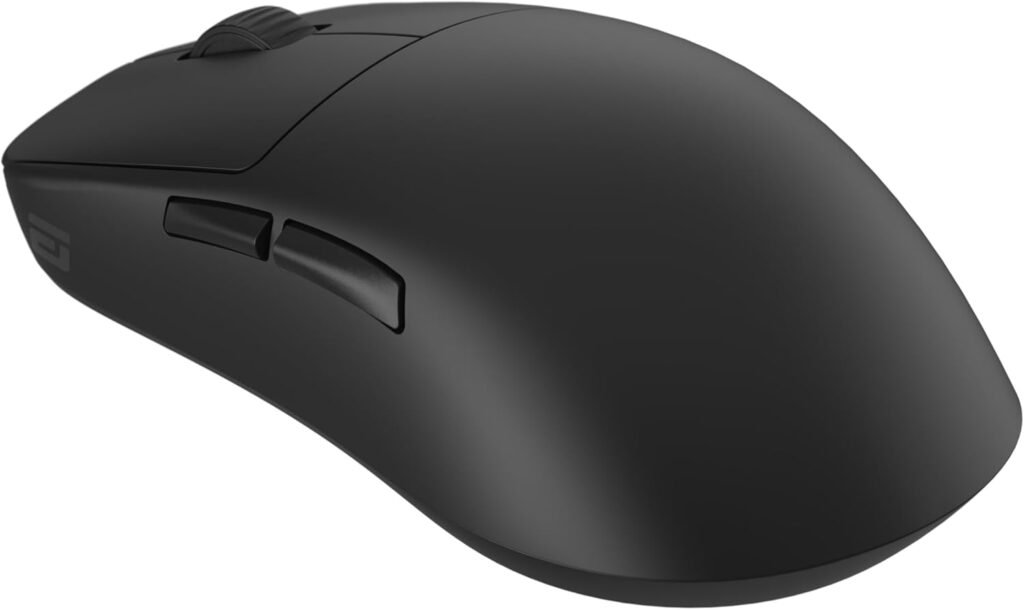
A claw grip usually means your fingers arch over the buttons while your palm stays relatively elevated, with more control coming from the fingertips and rear of the hand than from full-palm contact. A compact mouse can suit that posture because it gives your fingers room to articulate without asking your entire hand to settle around a large shell.
At 2.1 oz, the OP1we is built for players who value low resistance during repeated swipes. You may find it easier to lift, reposition, and change direction, particularly in games that demand frequent low-sensitivity corrections. The trade-off is familiar: if you are accustomed to a heavier mouse, the first impression may be that the pointer feels unusually easy to move.
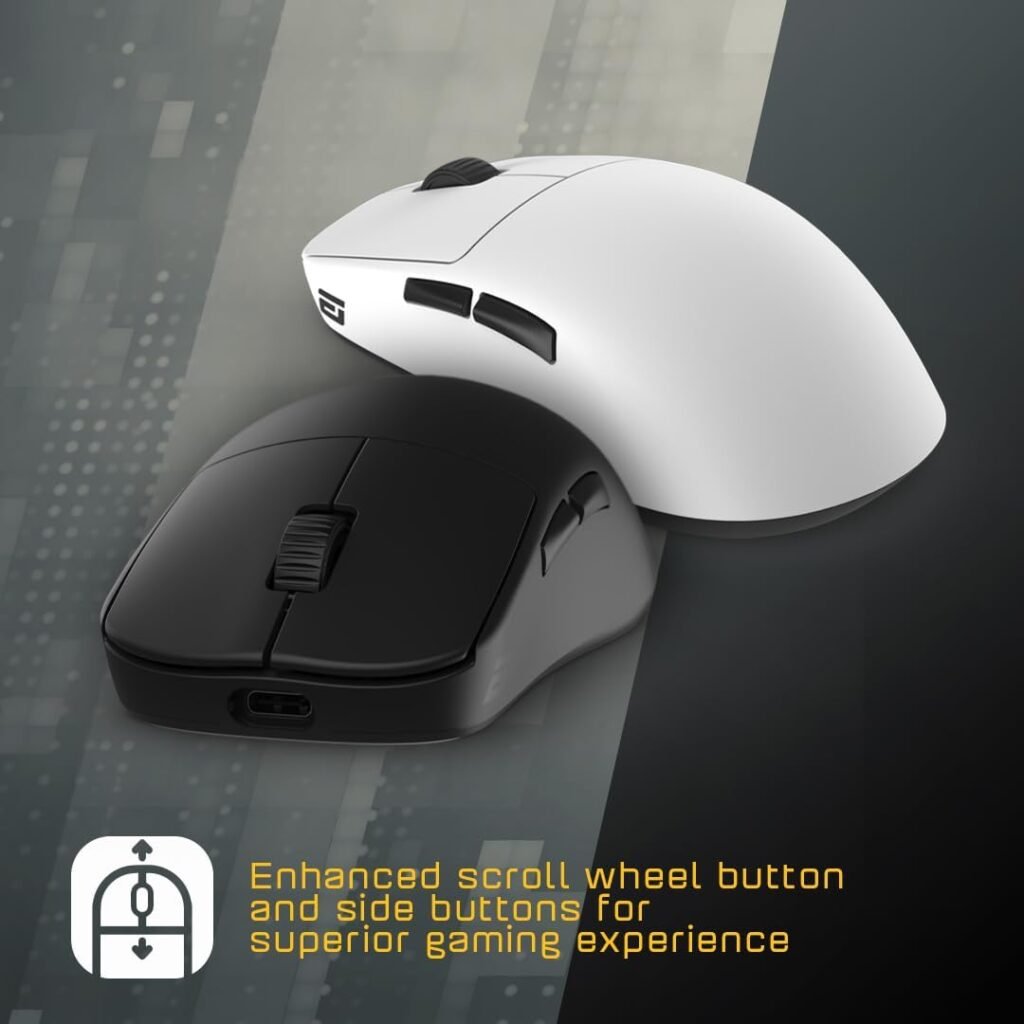
The dry grip coat is a practical choice for long sessions. It may help your fingers maintain contact when your hand becomes warm, though the result will vary with hand size, humidity, and personal preference. Some players like a surface that feels tactile and dry; others prefer a smoother shell that allows their hand to shift naturally.
The main fit risk is not weight but posture. Someone who prefers a relaxed palm grip or expects the shell to support most of the hand may find a claw-oriented shape less natural. Use this evaluation process when you can:
- Compare the listed physical dimensions with a familiar mouse.
- Place your thumb, ring finger, and pinky where they normally rest.
- Check whether those fingers remain supported without forcing an exaggerated claw posture.
- Test small lifts and broad swipes rather than judging the shape from button reach alone.
Hybrid skate design and mod-friendly construction
The underside uses a hybrid skate design that can accommodate either larger or smaller skates. That is a meaningful distinction for enthusiasts because the contact area under the mouse changes the way it interacts with a mouse pad.
Larger skates can create a more planted, predictable feel by spreading contact across a wider area. Smaller skates may reduce the amount of material touching the pad and can feel quicker or less restricted, although the final result also depends on the pad’s surface. Neither choice is universally correct; the useful part is having a choice after purchase.
The mod-friendly construction gives the OP1we wireless gaming mouse a different appeal from a mouse you simply use as delivered. If you enjoy replacing skates, adjusting accessories, or tuning the feel of your peripherals, this design leaves room for experimentation. That can extend the mouse’s interest beyond its initial setup.
Keep the confirmed details separate from assumptions. The description says optional accessories are available and that the skate system supports large or small skates, but it does not identify the included parts, accessory prices, or installation process. Before paying extra for customisation, check whether the relevant replacement parts exist, how easy they are to obtain, and whether you are likely to use them.
Battery life and wireless setup in real use
A stated battery life of roughly one week of gaming makes the OP1we wireless gaming mouse convenient for a desk where cable drag is unwelcome. It should be treated as an estimate, however. Daily session length, wireless settings, battery age, and charging habits can all change the interval between charges.
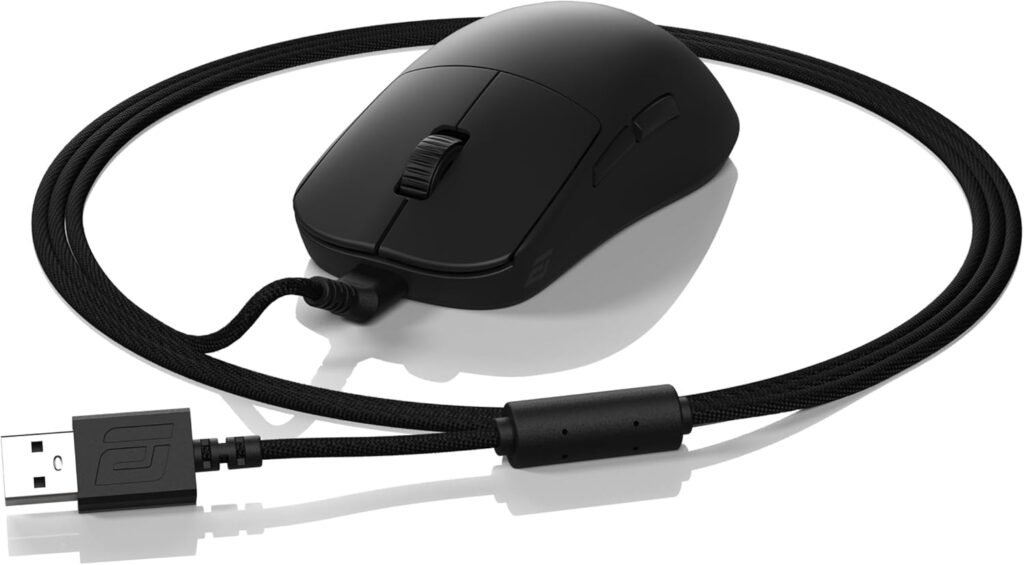
During setup, establish four practical details before settling into serious play: where the receiver should sit, how charging is started, whether the mouse remains usable while charging, and how the battery level is displayed. The supplied product data does not confirm the charging connector, wired-use behaviour, battery indicator method, or whether Bluetooth is supported, so those are questions to answer from the current listing or the included documentation.
2.4GHz wireless is a sensible arrangement for a gaming desk because it removes the cable while you play. It does not remove the need for a charging routine. Give the receiver a clear location and choose a regular charging point, such as after a session or when the displayed battery level reaches your preferred threshold.
For a useful personal benchmark, record your first week rather than trusting the headline estimate. Write down your approximate playtime each day, note when you charge, and record whether the mouse was used for ordinary desktop work as well. That small log will tell you more about your own runtime than a generic “one week” claim.
What customers are saying about the OP1we wireless gaming mouse
No star rating, review count, or individual customer comments were supplied with the product data for this listing. That means there is no defensible basis for saying that buyers broadly praise the OP1we wireless gaming mouse, or for presenting an isolated complaint as a recurring defect.
The themes worth checking in the live review panel are clear: comfort for claw grip, the effect of the low weight, wireless reliability, sensor consistency, battery longevity, surface grip, and the ease of changing skates or other accessories. Reviews that describe several hours of use, the reviewer’s hand size, sensitivity settings, and the type of games played will be more informative than a short statement that the mouse “feels good.”
Look specifically for detailed comments about shape and size, button feel, software, charging, receiver placement, coating wear, and replacement-skate availability. These issues can matter more to daily ownership than the headline sensor figures. A buyer who reports a comfortable grip after long FPS sessions offers useful evidence; a one-line score without context offers much less.
When you inspect the current listing, prioritise recent verified-purchase comments with concrete usage details. Also be careful when a reviewer compares this mouse with a much heavier model or uses a different grip style. Until a substantial, well-described sample is available, treat the product as a conditional purchase rather than one supported by broad customer consensus.
How the OP1we compares with the Logitech G PRO X SUPERLIGHT and Razer Viper V3 Pro
The closest comparison depends on what you value beyond raw weight. The Logitech G PRO X SUPERLIGHT is a useful alternative to examine for shoppers who prioritise an established wireless ecosystem, software support, and a different shape or sensor platform. The Razer Viper V3 Pro is another relevant option for buyers comparing lightweight wireless design, shape, and current sensor features.
Those alternatives should be checked against their current listings for exact weight, wireless system, sensor generation, software requirements, and price. No competitor prices or current specifications were supplied here, so it would be misleading to call either model cheaper, faster, or better overall. Prices also change, and a comparison made without the live figures can make a sound product look artificially attractive.
The OP1we’s published differentiators are more specific: a 2.1 oz chassis, a Pixart PAW3370 rated up to 19,000 CPI, hybrid skate flexibility, and mod-friendly construction. That combination may appeal to you if you want to tune the mouse rather than accept a fixed configuration.
Choose the OP1we wireless gaming mouse when its claw-oriented shape and customisation potential matter more than belonging to Logitech’s or Razer’s broader accessory ecosystem. Examine the G PRO X SUPERLIGHT and Viper V3 Pro closely if you want the newest sensor platform, a different hand shape, or more extensively documented software and connectivity features. The right comparison is not a specification race; it is a check against your grip, desk, and habits.
Who should buy the ENDGAME GEAR OP1we?
The strongest match is a competitive FPS player who already prefers claw grip and wants a mouse that feels easy to lift and reposition. Lightweight-mouse enthusiasts should also pay attention, especially if they enjoy changing skates or experimenting with optional accessories instead of treating a peripheral as finished hardware.
It may suit desk users who dislike cable drag and want an estimated week of gaming between charges. That estimate remains dependent on your usage, so it is better understood as a convenience target than a promise. The black model has the dry grip coat described in the listing, and a white edition is also available with the same finish.
The OP1we wireless gaming mouse is less suitable if you need a large shell that supports a relaxed palm grip, require several confirmed connectivity options, or have no interest in the mod-friendly features. Those buyers may be paying for flexibility they will never use.
Make the decision in this order:
- Identify whether your natural grip is claw, fingertip, or palm.
- Compare the product dimensions with your current mouse.
- Decide whether an exceptionally light mouse suits your control style.
- Review your battery, software, and connectivity requirements.
- Compare the current $79 price with the Logitech and Razer alternatives.
This sequence keeps the shape and daily-use questions ahead of the marketing specifications.
Price, availability, and overall value in 2026
At $79, the OP1we is listed at $10 below its original $89.99 price, a reduction of approximately 11%. The current listing also reports only one unit left in stock, so both the displayed price and availability may change; check the final listing details before placing an order.
What you are paying for is a 2.1 oz wireless design, the CompX CX52850 microcontroller, a Pixart PAW3370 sensor, an estimated week of gaming per charge, hybrid skate compatibility, and a mod-friendly shell. That package is more compelling when you will benefit from low weight and customisation. If you use a palm grip, prefer a heavier mouse, or never replace accessories, the same $79 buys features that may not improve your experience.
There are still measurable unknowns to resolve before ordering: physical dimensions, polling rate, included accessories, exact charging details, and the depth of current customer-review evidence. None of those gaps automatically disqualifies the mouse, but they make fit and ownership expectations less certain.
Overall, the ENDGAME GEAR OP1we is a strong candidate for claw-grip gamers seeking a very light wireless mouse, provided its shape and the unconfirmed feature details fit your priorities. At $79, it earns consideration rather than a blanket recommendation. Confirm the listing, accessories, and fit information while stock is available, then decide whether the customisation potential is something you will actually use.
Pros and Cons
Pros
- Very light 2.1 oz design aimed at fast repositioning and claw-grip control.
- Pixart PAW3370 sensor rated at up to 19,000 CPI, IPS, and 50G acceleration.
- 2.4GHz wireless connection with a stated battery estimate of roughly one week of gaming.
- Hybrid skate design supports a choice between larger and smaller skates.
- Mod-friendly construction and dry grip coat finish give enthusiasts room to tailor the mouse.
Cons
- The compact claw-oriented shape may not suit relaxed palm grips or users who want substantial palm support.
- The supplied specifications do not confirm dimensions, polling rate, button count, exact battery capacity, charging connector, or included accessories.
- The value of the mod-friendly design depends on whether replacement skates and optional parts are available and affordable for your setup.
- Customer rating, review count, and detailed buyer feedback were not supplied for this listing, so broad claims about long-term reliability would be premature.
Final Verdict
Key Takeaways
- The ENDGAME GEAR OP1we combines a 2.1 oz wireless chassis, a Pixart PAW3370 sensor, and a claw-grip design at a current price of $79.
- Its strongest differentiators are the dry grip coat, hybrid skate flexibility, and mod-friendly construction rather than CPI alone.
- The biggest buying risk is fit: shoppers who prefer a broad, palm-filling mouse should be especially cautious.
- Missing details about dimensions, polling rate, charging, software, and included accessories should be confirmed before purchase.
- At $79, it is most compelling for claw-grip players and enthusiasts who will actually use its lightweight and customisation features.
Frequently Asked Questions
What grip style is the ENDGAME GEAR OP1we designed for?
The OP1we is designed around a claw grip, a compact shell, and a lightweight 2.1 oz chassis. It may also work for some fingertip users, but the supplied information does not establish the exact dimensions needed to predict fit for every hand.
How long does the OP1we battery last?
The listed battery estimate is roughly one week of gaming. Treat that as a usage guide rather than a guaranteed runtime because session length, wireless settings, and battery condition can change the result.
Is the OP1we suitable for competitive FPS games?
Yes, the mouse uses a Pixart PAW3370 optical sensor rated up to 19,000 CPI, with IPS tracking speed and 50G acceleration. Those figures indicate strong headroom, although most players will use considerably lower CPI settings.
What can you customise on the OP1we?
The listing confirms a hybrid skate design that can accommodate larger or smaller skates, plus optional accessories. It does not specify which parts are included, their prices, or the installation method, so check those details before ordering.
Disclosure: As an Amazon Associate, I earn from qualifying purchases.
