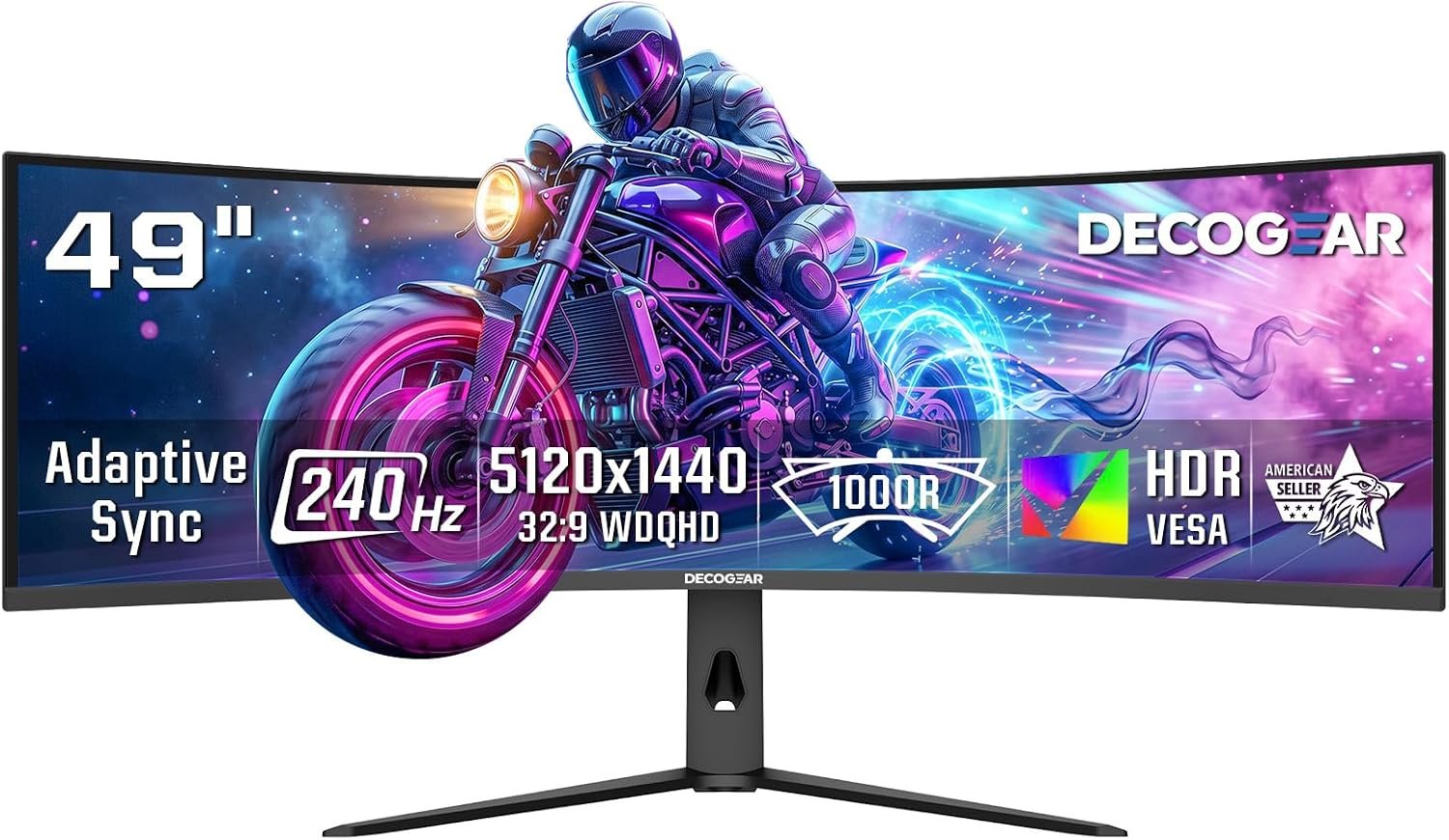
Deco Gear R1000 49” Curved Super Ultrawide Dual QHD Monitor 5120×1440 Hz 1000R E-LED HDR Adaptive Sync HDMI 2.1 DisplayPort 1.4 PIP PBP Overdrive Gaming Workstation Display
A $749.99 monitor has to do more than look enormous on a desk. The central question with the Deco Gear R1000 is whether it can combine competitive-gaming speed with the usable workspace of two QHD displays without making you pay for features your computer cannot exploit.
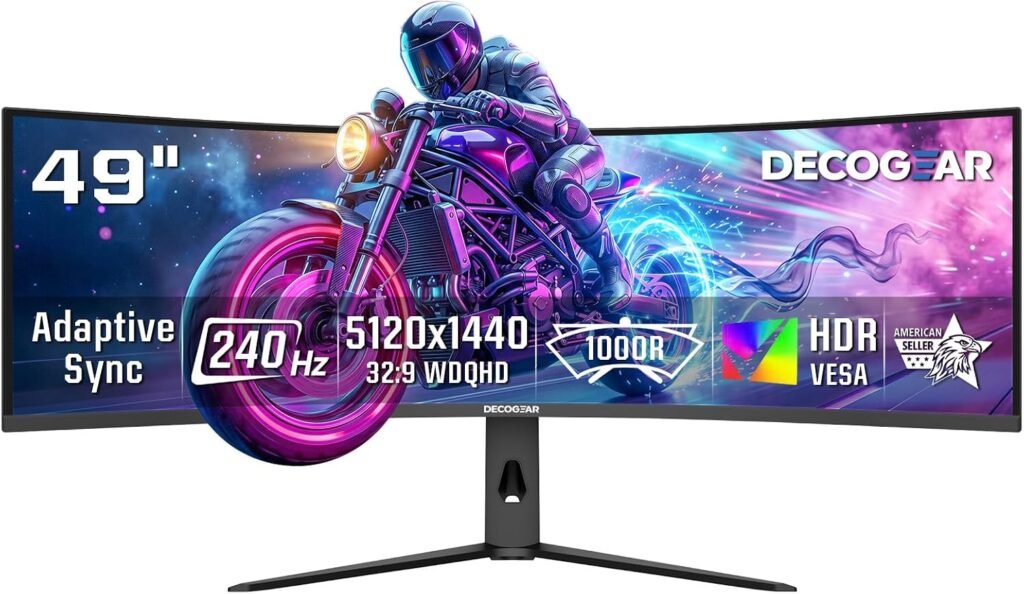
On paper, the answer is promising. You get a 49-inch super-ultrawide screen, 5120×1440 resolution, a 1000R curve, a 240Hz refresh rate, HDR support, Adaptive Sync, and workstation features including PIP and PBP. It is a monitor designed to stretch across both sides of your attention: game in the centre, chat or a browser at the edge, and perhaps a spreadsheet still visible behind it all.
This review assesses the Deco Gear R1000 for gaming, productivity, connectivity, image quality, setup demands, customer evidence, alternatives, and value using the information available in 2026. The early conclusion is fairly clear: it deserves attention if you want one expansive screen for gaming and multitasking, but your graphics hardware, desk, software, and expectations for HDR still need checking before purchase.

Deco Gear R1000 overview: what the specifications promise
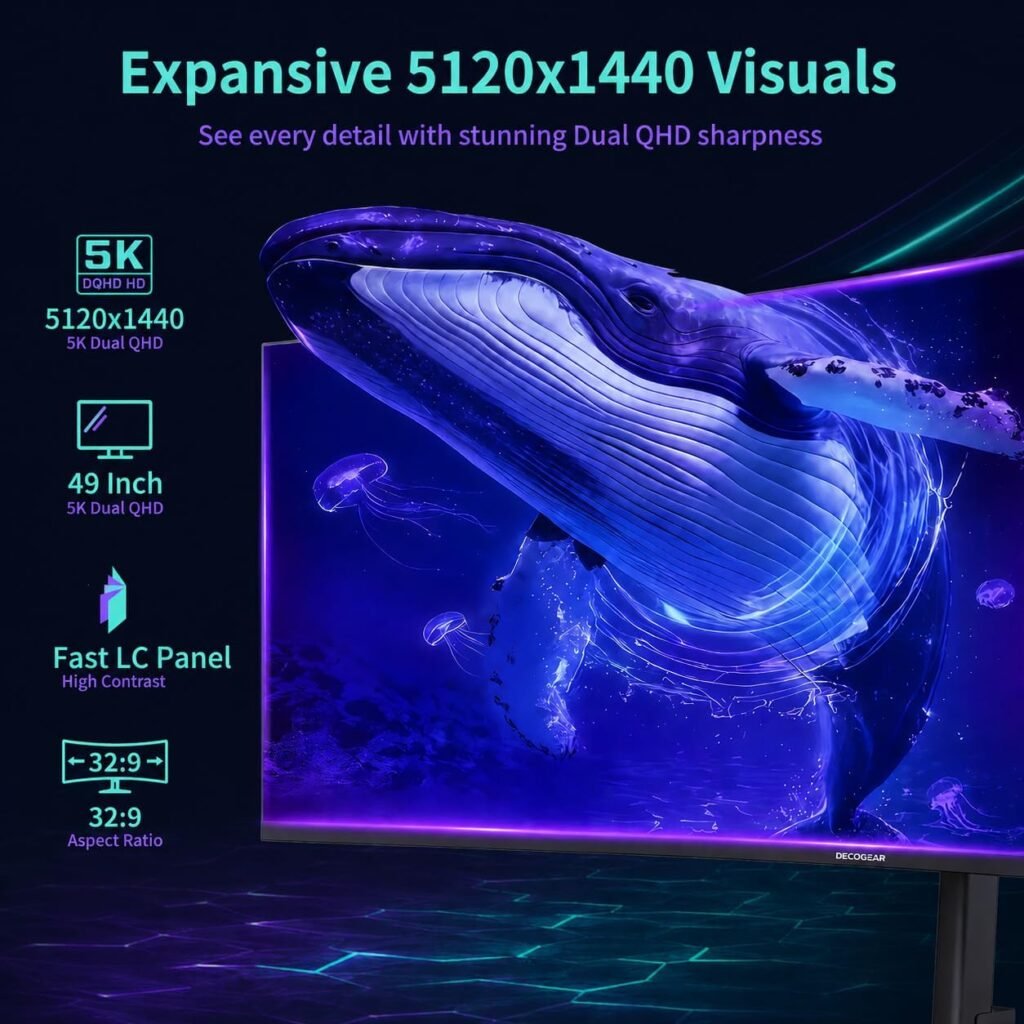
The headline specification promises a display that replaces two 2560-pixel-wide QHD work areas with one uninterrupted canvas. At 5120×1440, you have room for spreadsheets beside a browser, a coding editor beside documentation, or a long video timeline with tools remaining visible. The absence of a centre bezel is not merely cosmetic; it removes the visual break that can interrupt a wide timeline or make a game cockpit feel divided.
The 1000R curvature is tighter than the gentle bend found on many ordinary widescreens. Its purpose is to bring the far edges into a more natural viewing arc, although the result will depend on your seating position and personal tolerance for curved displays. It may feel enveloping in a game, while flat-design work and shared viewing can take a short period of adjustment.
Deco Gear lists a 3000:1 contrast ratio, an E-LED backlight, HDR support, and a 2.3 ms Overdrive response figure. Those are listed specifications, not independent measurements; they do not by themselves establish actual brightness, colour accuracy, overshoot, or HDR quality. The monitor is shown in stock at $749.99, so its value rests on whether you need both this physical width and 240Hz rather than simply wanting the largest affordable screen.
Key features deep-dive: resolution, curve, and workspace
Dual QHD is best understood as a choice of width over vertical density. Compared with a conventional 4K display, the Deco Gear R1000 gives you a 32:9 workspace that is exceptionally broad, while retaining pixels vertically. That makes it especially practical for three side-by-side windows, an editing timeline, wide code, research tabs, or a game with controls spread across the edges.
To get the curve working for you, start with the panel centred directly in front of your chair rather than aligning yourself with one half. Sit far enough back that you can scan from edge to edge without repeatedly turning your head, then adjust the chair and screen height before fine-tuning brightness. If text at the outer edges looks distorted or uncomfortable, the problem may be viewing position rather than the panel itself.
A single super-ultrawide screen can simplify your desk: fewer bezels, one continuous desktop, and a less complicated cable path. The trade-off is software. Some applications will not automatically arrange themselves sensibly across a 32:9 desktop, so use your operating system’s snapping tools or a trusted window-layout utility.
A useful practical test is to place three windows side by side, expand a full-width timeline, and run a game with a genuinely wide field of view. Unsupported games may stretch the image, add black bars, or crop interface elements. Check the specific titles you play instead of assuming every game handles the format well.

Deco Gear R1000 240Hz gaming performance and Adaptive Sync
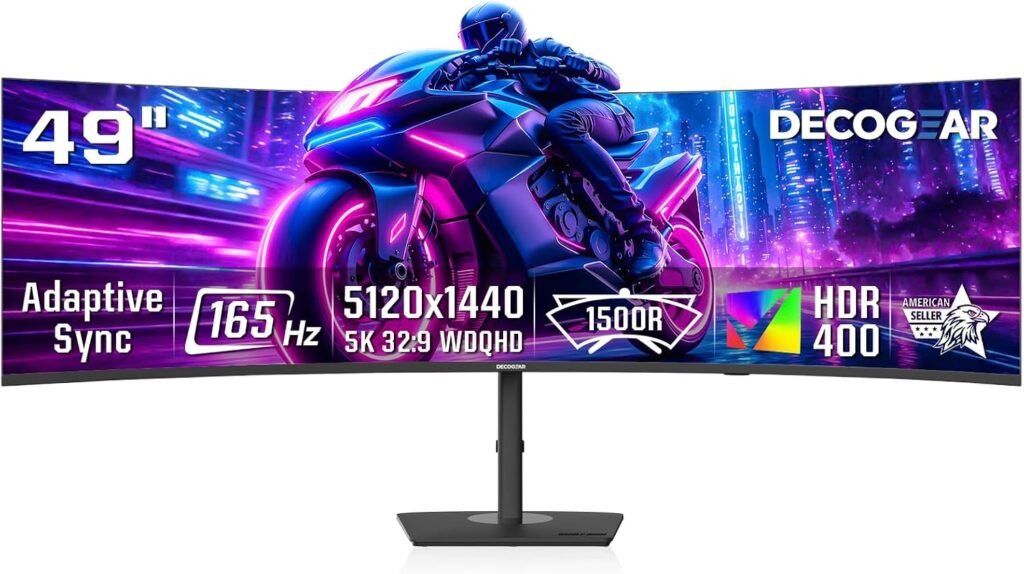
A 240Hz panel can refresh the image up to times per second. When your computer is producing correspondingly high frame rates, camera pans, rapid turns, and cursor movement can look more fluid than they do at 60Hz or 144Hz. That benefit is most visible in fast competitive games, but it can also make ordinary desktop movement feel cleaner.
The catch is workload. Driving 5120×1440 at very high frame rates is substantially more demanding than driving a smaller 1080p or 1440p display. Before treating 240Hz as a guaranteed advantage, check your graphics card’s performance in the games you actually play and confirm that your system has the appropriate high-bandwidth output.
Adaptive Sync is intended to coordinate the monitor’s refresh timing with GPU output, reducing tearing when frame delivery fluctuates. Compatibility and the usable operating range still need to be confirmed in practice. Likewise, the stated 2.3 ms Overdrive figure should be tested for trailing, inverse ghosting, and bright overshoot at several refresh rates rather than accepted as a complete motion-quality verdict.
- Select the highest available refresh rate in your operating-system display settings.
- Use a suitable high-bandwidth connection and verify that the full resolution remains available.
- Enable Adaptive Sync in the graphics driver and monitor menu where required.
- Compare quick camera movement and dark scenes with Overdrive at different settings.
- Repeat the check at lower frame rates, where excessive Overdrive can become easier to see.
Deco Gear R1000 image quality, contrast, and HDR experience
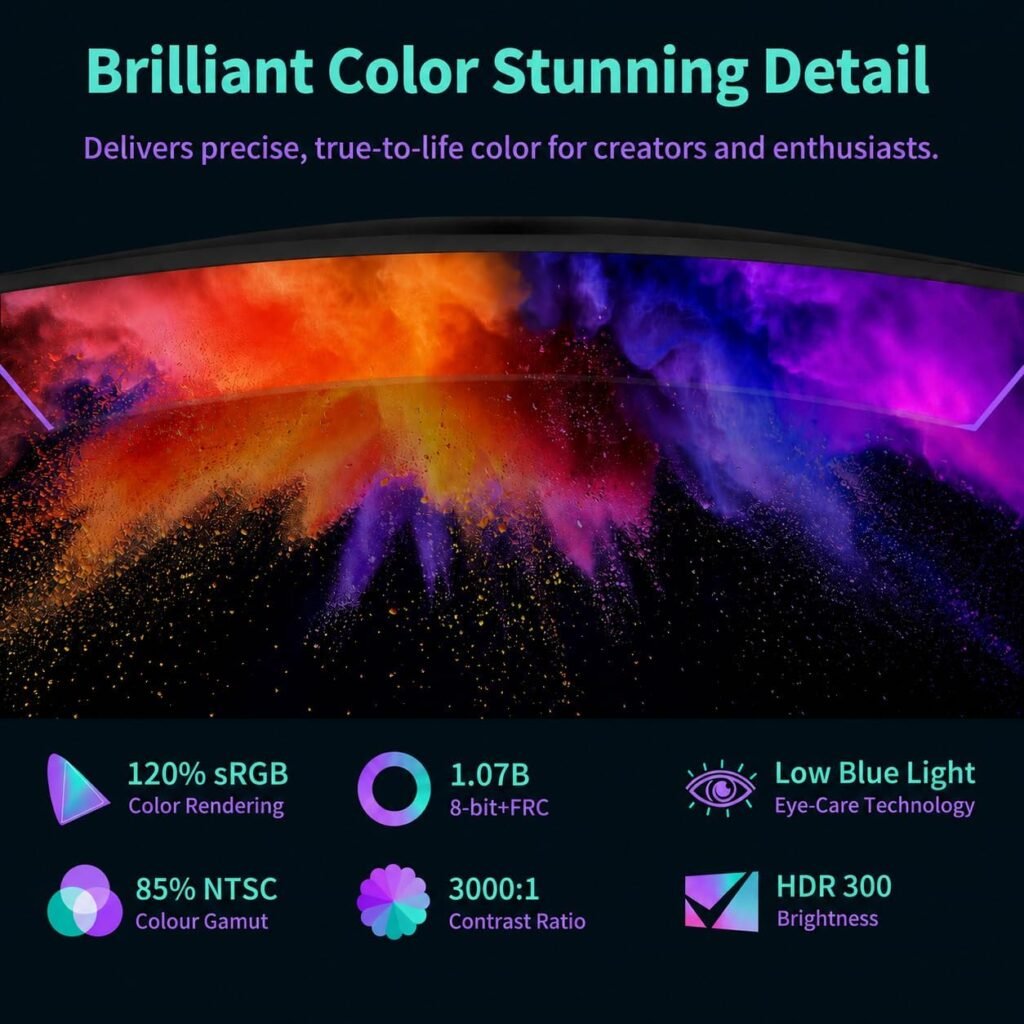
The listed 3000:1 contrast ratio suggests the Deco Gear R1000 may produce deeper-looking dark areas than many lower-contrast panels, particularly in films and games dominated by shadow. That can add weight to a night-time scene or make a dark racing cockpit feel less washed out. It is a useful specification, but it is not a substitute for measured black levels in a real room.
HDR support should be treated cautiously. The supplied product information does not state peak brightness, local-dimming performance, HDR certification, or measured highlight detail. HDR compatibility means the monitor can accept HDR content; it does not guarantee that small bright highlights will remain controlled or that shadow detail will be preserved.
The likely priority here is an expansive, cinematic image with strong stated contrast rather than validated professional colour work. If you edit photographs or video for delivery, look for independent measurements and calibration controls before relying on this display.
For a useful assessment, allow the panel to warm up, select a sensible picture mode, and disable aggressive image processing for desktop work. Compare identical scenes with HDR on and off, then inspect black-level detail, bright-highlight clipping, text sharpness, edge colour shifts, uniformity, and backlight bleed using both desktop content and HDR video.
Deco Gear R1000 ports, HDMI 2.1, DisplayPort 1.4, and multitasking modes
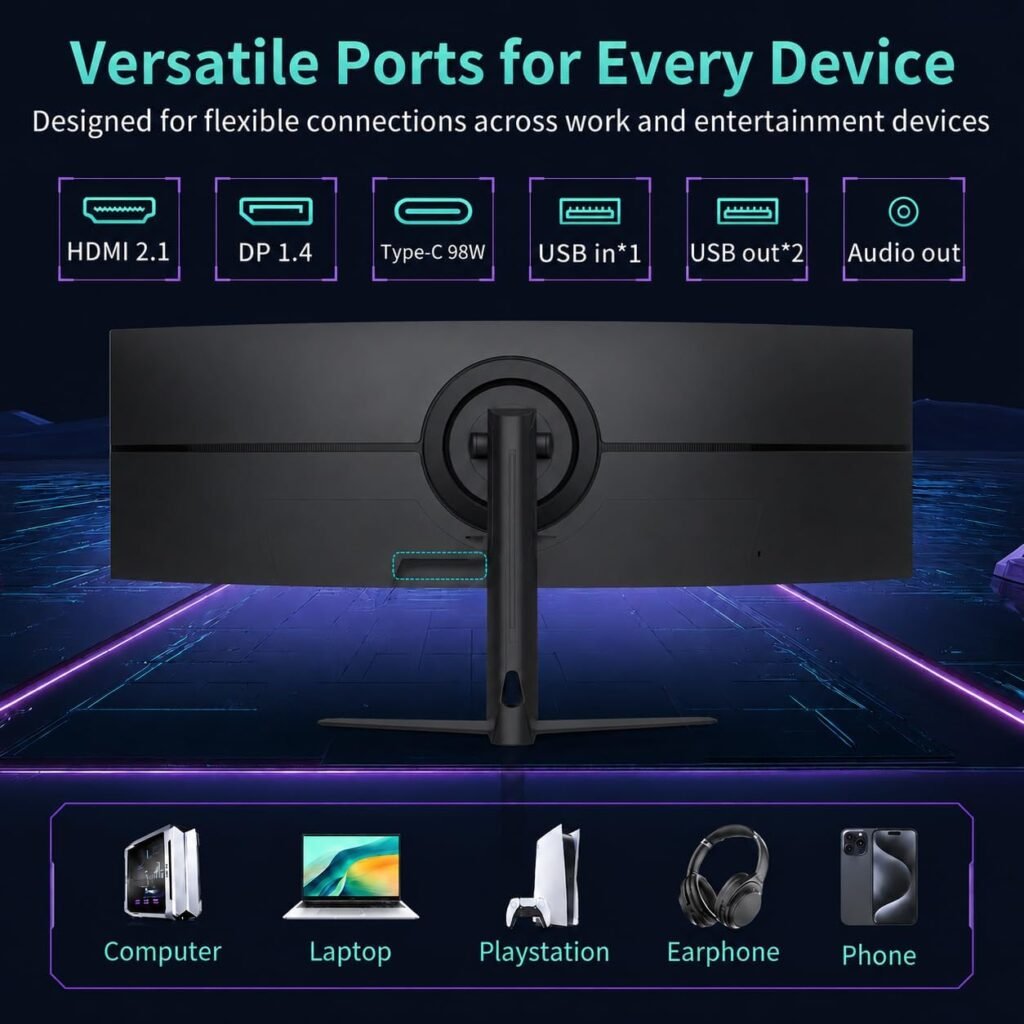
The connection specification is unusually relevant at this resolution and refresh rate. The monitor lists two HDMI 2.1 inputs rated at Gbps and DisplayPort 1.4, with the product description stating support for 240Hz at full resolution. Whether your system reaches that combination depends on the source device, output standard, graphics driver, and cable.
Use certified, appropriate high-bandwidth cables rather than assuming an old cable will carry every available mode. On a PC, check the graphics card’s supported resolution and refresh combinations. HDMI 2.1 is also useful for newer consoles, but console hardware and game output limits may leave much of the 5120×1440 and 240Hz capability unused.
PIP places one source in a smaller window over another; PBP divides the display between two sources. You could view a work laptop next to a desktop, or monitor a second device while gaming. The trade-off is straightforward: once the screen is split, each source receives only part of the total canvas.
- Select the intended input and confirm the active source.
- Verify the operating system is using the full resolution and desired refresh rate.
- Assign the correct sources before enabling PIP or PBP.
- Test switching between full-screen and split-source modes.
- Check that returning to the main source does not reset your preferred display settings.
What Customers Are Saying
There is no verified customer rating, review count, or collection of newest buyer comments in the supplied product data. That means a responsible review cannot claim that many buyers praised installation, that several reported flicker, or that a particular percentage experienced dead pixels. Any article presenting those patterns as established would be inventing evidence.
Publication data box: Price observed: $749.99; availability: In Stock; verified star rating: not supplied; total review count: not supplied. Treat this absence as a reason to inspect the live listing’s newest reviews before ordering, especially for a large panel that can be vulnerable to shipping damage and that may have more complicated input behaviour than a basic monitor.
When the review sample is available, sort by recent and critical comments first. Look for photographs and detailed descriptions, then compare complaints across star ratings. A report about ghosting is more useful when it identifies the refresh rate, Overdrive setting, cable, game, and graphics card. Similarly, an HDR complaint may reflect a settings issue, a source that did not switch into HDR, or a genuine limitation of the display.
Give extra weight to repeated, recent reports about damaged delivery, difficult stand assembly, firmware or input switching, inconsistent HDR, flicker, Adaptive Sync, dead pixels, backlight uniformity, and long-session comfort. Check whether each problem was resolved through settings, replacement, or customer support; frequency and recency matter more than one dramatic isolated comment.
Deco Gear R1000 for gaming and work: who should buy it?
The primary audience is a PC gamer with a powerful graphics card who wants the immersion of a wide cockpit or expansive field of view without a centre bezel. Streamers may appreciate keeping a game, chat, and monitoring tools visible together, while developers, video editors, researchers, and office users can benefit from several broad applications sharing one desktop.
The combination of a 32:9 canvas, 1000R curve, 240Hz refresh, Adaptive Sync, PIP, and PBP makes the Deco Gear R1000 more versatile than a screen designed only for gaming. You can move from a fast game to a two-source workstation without physically rearranging a pair of displays. That convenience is real, though it matters most if you regularly use the extra width.
Be cautious if your desk has limited depth, your graphics hardware is modest, or your main software handles ultrawide ratios badly. Buyers who need a vertically tall 4K workspace, validated colour calibration, or certified HDR should also look beyond the headline specification.
- Measure the available desk width and viewing position, including room for the stand and cables.
- Check your GPU outputs, cable standards, and expected frame rates at the native resolution.
- List the applications and games that must fit comfortably.
- Confirm how your operating system will arrange windows across the wide desktop.
- Decide whether you will use 240Hz often enough to justify paying for it.
How the Deco Gear R1000 compares with alternatives
The most useful comparison is not simply which monitor has the largest number on its product page. The Samsung Odyssey OLED G9 represents the trade-off between the Deco Gear R1000’s stated E-LED backlight and 3000:1 contrast ratio and an OLED design’s potential strengths in black levels, pixel response, and panel characteristics. Current price, exact generation, warranty, and specifications should be checked in the live listing before publication or purchase.
The Samsung Odyssey G9 Neo is another close alternative. Its backlight technology and HDR implementation may matter more to you than a small refresh-rate difference, while curvature, connectivity, warranty support, stand adjustability, and observed street price can change the decision. Neither Samsung model should be declared automatically superior without comparing the exact listing and testing priorities.
| Model | Screen format | Resolution | Refresh rate | Panel/backlight | Connectivity and multitasking | Current price | Best fit |
|---|---|---|---|---|---|---|---|
| Deco Gear R1000 | 49-inch 32:9 curved | 5120×1440 | 240Hz | E-LED; 3000:1 stated contrast | 2× HDMI 2.1, DP 1.4, PIP/PBP | $749.99 | Wide gaming and workstation use |
| Samsung Odyssey OLED G9 | Exact current listing required | Verify current listing | Verify current listing | OLED | Verify current listing | Unavailable in supplied data | Buyers prioritising OLED characteristics |
| Samsung Odyssey G9 Neo | Exact current listing required | Verify current listing | Verify current listing | Verify current listing | Verify current listing | Unavailable in supplied data | Buyers prioritising Neo backlighting and HDR |
You might still choose the Deco Gear R1000 because its listed combination of Dual QHD, 240Hz, HDMI 2.1, DisplayPort 1.4, PIP, and PBP is broad for the price. Compare the warranty, return conditions, included cables, stand adjustment, and customer-service record alongside the headline numbers.
Deco Gear R1000 price, setup, and long-term value at $749.99
At $749.99, the Deco Gear R1000’s value depends on using its complete feature package: a 49-inch format, 5120×1440 workspace, 240Hz refresh, HDR support, Adaptive Sync, HDMI 2.1, DisplayPort 1.4, PIP, PBP, and Overdrive. If you only need a large office monitor, the premium for high refresh and gaming connectivity may be wasted. If you would otherwise buy two displays, the single-panel design becomes easier to justify.
Budget for the costs surrounding the monitor, not just the monitor itself. You may need a graphics-card upgrade, a stronger monitor arm or wider desk, suitable high-bandwidth cables, and calibration equipment if accurate colour matters. Those additions can turn an apparently attractive price into a much larger purchase.
Use this first-day routine while returns remain available:
- Inspect the panel, frame, and stand before final mounting.
- Connect your preferred source and confirm native resolution and 240Hz.
- Test Adaptive Sync in a game with changing frame rates.
- Adjust Overdrive while checking both bright and dark motion.
- Arrange your regular windows and test the applications you use most.
- Check every input, PIP mode, PBP mode, and source-switching behaviour.
Judge the purchase by hours of use and what it replaces. One screen can reclaim desk space and remove a bezel, but it is also a single point of failure and less flexible than two conventional monitors. Proceed when you can exploit both the width and refresh rate; choose an alternative when OLED blacks, vertical 4K space, validated image-production accuracy, or a smaller footprint matters more.
Pros and Cons
Pros
- 49-inch 5120×1440 Dual QHD canvas provides two-monitor-style width without a centre bezel.
- 240Hz refresh rate and Adaptive Sync are promising for fast PC gaming when the graphics hardware can sustain high frame rates.
- 1000R curvature should make the broad panel feel more immersive and keep the outer areas easier to view.
- Two HDMI 2.1 inputs rated at Gbps and DisplayPort 1.4 offer a useful range of high-bandwidth connections.
- PIP and PBP add practical source-management options for workstations and multi-device setups.
Cons
- The 5120×1440 resolution is demanding, so a 240Hz refresh rate may be difficult to use without a powerful graphics card.
- The supplied specifications do not establish peak HDR brightness, local dimming, certification, colour accuracy, or independently measured response times.
- A 49-inch 32:9 screen needs substantial desk width and may be less suitable for software that handles ultrawide layouts poorly.
- The available product information does not include a verified customer rating, review count, or recurring buyer-feedback sample.
Final Verdict
Key Takeaways
- The Deco Gear R1000 combines a 49-inch 32:9 Dual QHD canvas with a 240Hz refresh rate, making it unusually suited to shoppers who want gaming speed and a two-monitor-style workspace in one panel.
- Its strongest practical advantages are the bezel-free width, 1000R immersion, HDMI 2.1 connectivity, DisplayPort 1.4, and PIP/PBP multitasking modes.
- The main buying checks are graphics-card performance, desk capacity, game compatibility, and whether you need independently validated HDR or colour accuracy.
- No customer rating or review count was supplied, so reliability and long-session comfort cannot be responsibly judged from verified buyer patterns here.
- At $749.99, it makes the most sense when you will use both the horizontal workspace and the high refresh rate rather than buying it simply because it is large.
Frequently Asked Questions
What is the Deco Gear R1000?
The Deco Gear R1000 is a 49-inch super-ultrawide monitor with a 5120×1440 resolution, 1000R curve, 240Hz refresh rate, HDR support, Adaptive Sync, two HDMI 2.1 inputs, DisplayPort 1.4, PIP, PBP, and a listed 2.3 ms Overdrive response figure.
Is the Deco Gear R1000 good for gaming and work?
It can be a strong choice if you have a graphics card capable of driving high frame rates at 5120×1440 and you regularly use a wide workspace. It is less convincing for buyers who mainly want professional colour accuracy, a vertically tall 4K image, or a compact desk setup.
Does the Deco Gear R1000 have good HDR?
The specification lists HDR support, but the supplied information does not state peak brightness, local-dimming capability, HDR certification, or measured highlight performance. Treat HDR as a feature to test rather than proof of premium HDR image quality.
Can you use the Deco Gear R1000 with a console?
HDMI 2.1 can be useful for newer consoles and high-bandwidth PC connections, but console hardware and game output limits may prevent 5120×1440 at 240Hz. Check the exact resolution and refresh combinations supported by your source device.
What do PIP and PBP do on this monitor?
PIP displays one source in a smaller window over another, while PBP divides the display between two sources. For example, you could place a work laptop beside a desktop gaming PC, although each source receives only part of the available canvas.
Disclosure: As an Amazon Associate, I earn from qualifying purchases.