

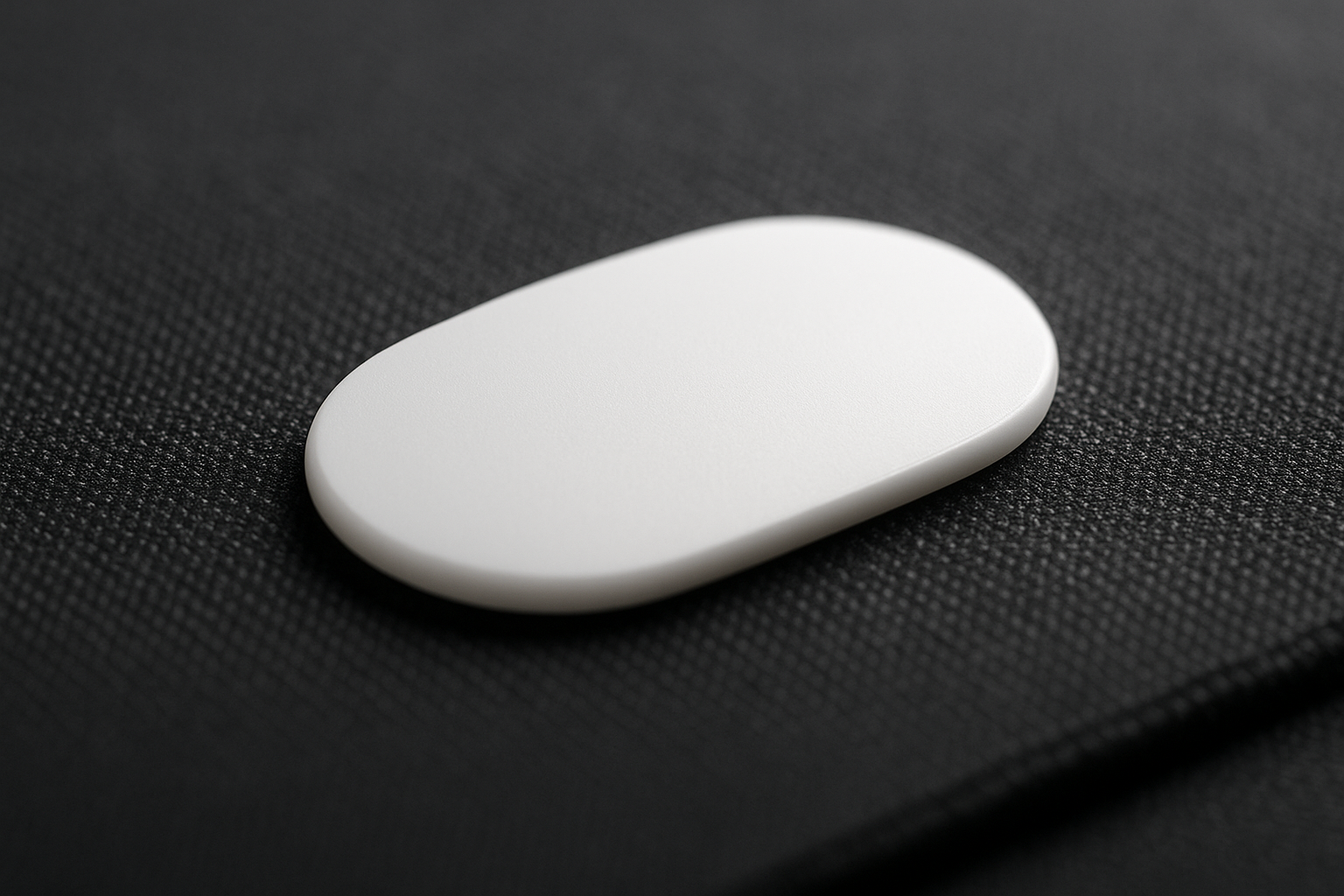
Pulsar Gaming Gears PTFE Mouse Skates, 0.6mm Original Thin (X2 Crazylight)
A mouse can feel inexplicably worse long before its sensor or switches fail. If the feet have picked up grit, developed scratches, or worn unevenly, a small replacement can change the character of every movement. The central question with the Pulsar PTFE Mouse Skates is simple: can a $4.95 set make a noticeable difference to glide and control?
For the compatible Pulsar X2 Crazylight/X2 CrazyLight design, the answer is potentially yes, particularly when the original feet are already damaged. This is a 0.6mm replacement-foot set made from 100% virgin PTFE, with a larger rounded shape intended to provide smooth, consistent contact. The thin construction is aimed at slightly better tracking accuracy, although its expected lifetime is shorter than the 0.8mm alternative.
That makes this more of a focused repair than a dramatic performance upgrade. This review weighs the listed specifications, the customer-feedback themes shoppers should verify, practical fit considerations, and the current price. At publication, the item is listed in stock for $4.95.

Pulsar PTFE Mouse Skates: Product Overview and Specifications
Mouse skates are the contact surfaces between the underside of the shell and your mouse pad. Their condition affects friction, the steadiness of long movements, and how predictably the mouse stops. When stock feet become rough, even a good mouse can feel reluctant at the beginning of a swipe or inconsistent during small corrections.
The listed construction is 100% pure virgin PTFE, a low-friction material widely used for replacement feet. The 0.6mm measurement matters because a thinner replacement is more likely to preserve the original sensor height and underside geometry than a thicker foot. That is the reason to choose this version rather than simply selecting the thickest skate available.
The feet use a larger, rounded design. More usable contact area can distribute pressure across the pad, while rounded edges are less likely to catch on a cloth surface than abrupt corners. None of that makes the set universal, however. Skate outlines, screw locations, sensor openings, and shell recesses differ between mice.
| Specification | Listed detail |
|---|---|
| Product | Pulsar Gaming Gears PTFE Mouse Skates, 0.6mm Original Thin (X2 Crazylight) |
| Material | 100% pure virgin PTFE |
| Thickness | 0.6mm |
| Design | Larger, rounded feet |
| Compatibility target | Pulsar X2 Crazylight/X2 CrazyLight design |
| Price and availability | $4.95; listed in stock |
In practical terms, this is a replacement-foot accessory for one Pulsar mouse family, not a complete peripheral or a universal kit. Treating the thickness as proof of fit would be a costly mistake: shape and shell layout matter just as much.
How the 0.6mm Virgin PTFE Design Affects Glide
Virgin PTFE is attractive here because it offers a clean, low-friction contact surface without relying on the condition of the original feet. The product information does not supply laboratory friction figures or a controlled speed ranking, so it would be misleading to promise a particular percentage improvement. The sensible expectation is narrower: replacing damaged or uneven feet can remove scratchiness and inconsistent resistance.
The larger rounded outline should also influence the feel. A broader contact area may make a long arm movement feel steadier, while curved edges can pass over a cloth pad without the snagging sensation that a chipped or sharply worn corner sometimes creates. Whether you prefer that feel depends on your pad and technique; a hard pad can reveal differences more immediately than a soft, textured cloth surface.
The 0.6mm and 0.8mm choices represent a trade-off rather than a simple good-versus-better hierarchy. This thinner version is positioned for slightly better tracking accuracy because it stays closer to the mouse’s original geometry. The cost is a shorter expected lifetime than the thicker option, so buyers who play for many hours may prefer durability over the smallest possible profile.
Low-sensitivity FPS players are the most likely to notice a change during broad sweeps and rapid direction changes. Controlled stopping can feel more predictable when the feet move evenly, but new skates cannot correct an unsuitable sensitivity setting, a poor pad match, or inconsistent technique.
- Clean the pad so dust does not become part of the comparison.
- Install the feet carefully and use the same mouse sensitivity, game, and pad.
- Run short tracking drills, repeated stop-start movements, and ordinary desktop tasks.
- Compare the result after the initial break-in period rather than judging only the first few minutes.
If your old feet are already smooth, the improvement may be too small to justify changing them. That is not a failure of PTFE; it is simply the limit of replacing a part that has not yet become a problem.
Pulsar PTFE Mouse Skates Installation and Fit
Installation is where a modest accessory can either restore a mouse or leave it feeling worse. First switch off or unplug the mouse. Remove the old feet carefully, then lift away every visible layer of adhesive rather than placing the new feet over residue.
- Use a suitable plastic tool to lift the original feet without gouging the shell.
- Peel or scrape away remaining adhesive from each recess.
- Clean the recesses so dust and residue cannot create high spots.
- Allow the surface to dry fully before exposing the new adhesive.
- Align each rounded foot with its original recess, keeping it clear of screws, sensor openings, and moving shell parts.
- Press evenly across the surface, especially around the perimeter.
Leftover adhesive or a single grain of dust can produce wobble, uneven contact, premature wear, or unstable tracking. Do not stretch or bend a foot to make it fit; an outline that seems close but does not sit naturally in the recess is a warning to stop and recheck the exact mouse version.
The supplied product information gives no manufacturer curing time, so there is no responsible number of hours to invent. After pressing the feet down, give the adhesive time to settle before aggressive gaming. Move the mouse slowly in circles, inspect every edge, and confirm that no corner lifts.
Next, check the sensor at your normal lift-off height. If the cursor skips or the mouse rocks, remove it from service and inspect the underside again rather than trying to compensate through software. For maintenance, keep grit off the pad, wipe the feet gently when necessary, and replace them once movement becomes rough or the material is visibly worn.
Compatibility deserves one final check before ordering. Confirm the exact Pulsar X2 Crazylight version, particularly if you have modified the mouse or own a different shell revision. A model-specific part is only an advantage when the model actually matches.
What Customers Are Saying About Pulsar PTFE Mouse Skates
The supplied listing does not include a verified star rating, review count, or individual customer quotations at the time of writing. That means no honest reviewer can claim that a particular percentage of buyers preferred the skates or that satisfaction is universal. The evidence note is straightforward: customer-review metrics were not available in the supplied product data for publication.
When the published listing contains buyer feedback, the useful patterns to look for are specific rather than theatrical. Comments describing smoother movement after replacing scratched stock feet are more helpful than vague praise. So are reports about broad mouse movements, consistent control on a clean cloth or hard pad, and whether the virgin PTFE felt different from damaged originals.
The $4.95 entry cost is likely to matter to owners of an otherwise functional mouse. A model-specific replacement is convenient, and a successful installation can be less disruptive than replacing the entire peripheral. But critical comments deserve equal attention: buyers should watch for adhesive that is difficult to align, fit differences between shell revisions, installation problems, and wear concerns tied to the thinner profile.
There is a useful distinction between installation and material performance. A rough feel caused by adhesive residue or a crooked foot is not evidence that the PTFE surface itself is uniformly rough. When reading reviews, prioritize buyers who name the same X2 Crazylight model, identify their pad surface, and report how the skates performed after several weeks rather than only on the first day.
Who Should Buy These Pulsar PTFE Mouse Skates?
The strongest case is an owner of a compatible Pulsar X2 Crazylight whose original feet are scratched, dirty, uneven, or noticeably slower than they once were. In that situation, the accessory addresses a visible mechanical problem rather than asking you to believe that new feet will transform an already healthy setup.
Competitive FPS players and low-sensitivity users may appreciate the broad, even movement during long swipes and small corrections. Still, mouse feet cannot fix poor sensor settings, an unsuitable pad, or a habit of gripping the mouse too tightly. If your aim feels inconsistent, isolate those variables before blaming the underside.
The budget-repair scenario is persuasive. At $4.95, refreshing the glide may make sense when the electronics, shell, and buttons remain reliable. It is less compelling for a casual user whose existing feet are smooth and intact, because the difference may be difficult to notice.
Use this short decision process:
- Verify the exact mouse model and shell revision.
- Inspect the current feet under good light for scratches, debris, or uneven wear.
- Decide whether preserving thin geometry matters more to you than the expected longevity of the 0.8mm version.
- Clean the pad and confirm that its surface suits PTFE.
- Only then factor in whether you are comfortable removing adhesive and installing small parts.
This option suits buyers who want tracking consistency and a close-to-original underside profile. It does not suit anyone seeking universal compatibility or someone unwilling to handle a careful installation.

Pulsar PTFE Mouse Skates vs. Alternatives
The closest comparison is Pulsar’s 0.8mm skate. The reviewed version takes the thinner-profile approach, prioritizing the stated tracking-accuracy advantage and closer preservation of the original geometry. The 0.8mm choice is more sensible if you place greater weight on expected wear life. Neither should be called universally faster without comparable testing on the same pad.
| Alternative | Positioning | Likely strength | Likely compromise | Best fit |
|---|---|---|---|---|
| Pulsar 0.8mm skate | Thicker Pulsar replacement | Expected longer wear life | Less focused on the thinnest original geometry | Frequent users who value durability |
| Corepad Skatez PRO for Pulsar X2 | Third-party model-specific replacement | Another shaped option for the X2 family | Exact thickness, shape, quantity, and fit must be checked | Buyers comparing aftermarket choices |
| X-raypad Obsidian or similar model-specific feet | Alternative compound and surface feel | Different balance of speed, control, and durability | Harder compounds may feel different across pads | Experimenters with a compatible setup |
| Pulsar 0.6mm | Thin virgin-PTFE repair | Low-cost, direct replacement when compatible | Shorter expected life than the thicker option | X2 Crazylight owners restoring worn feet |
With Corepad Skatez PRO for Pulsar X2, verify the exact model, thickness, outline, included quantity, and current price instead of assuming that a familiar brand will fit. The same caution applies to X-raypad Obsidian: a harder compound can alter the balance between speed and control, but the mouse pad remains a major part of the result.
Cloth, hybrid, and hard pads can make identical feet feel quite different. Customer impressions are therefore useful for identifying patterns, not for producing an absolute speed ranking. Once exact compatibility is confirmed, the $4.95 Pulsar option is attractive because it offers a direct, inexpensive repair without turning a worn underside into a reason to replace a working mouse.
Value Assessment at $4.95
At $4.95, this is a low-cost way to refresh the glide of a compatible mouse. If your current feet are visibly damaged while the sensor, shell, and buttons remain in good condition, the value equation is favorable: restoring consistent movement costs far less than replacing the peripheral.
Price alone does not settle the question. If the original feet still feel smooth, the improvement may be too slight to justify the work. You also need to account for the time spent removing adhesive and any cleaning or replacement tools required. A bargain part is not valuable if an uncertain fit creates more frustration than the worn feet did.
The thinner profile adds another calculation. Its expected lifetime is shorter than the 0.8mm version, so the lowest purchase price may not be the lowest long-term cost for a heavy user. You can estimate your own cost per use by considering how many hours you play, how clean your pad stays, and how quickly your current feet have worn; the listing does not provide a lifespan figure, so any precise estimate would be invented.
- Confirm the exact compatibility before paying.
- Inspect whether the existing feet are genuinely worn.
- Choose thin geometry or longer expected wear life as your priority.
- Check the pad and gather cleaning materials before installation.
- Review the live listing for price, stock status, pack contents, and seller details.
The item is listed in stock now, but those details can change. The balanced conclusion is that $4.95 makes experimentation relatively inexpensive, while fit and wear expectations matter more than the bargain label.
Pulsar PTFE Mouse Skates: Final Buying Guidance
Pulsar Gaming Gears PTFE Mouse Skates, 0.6mm Original Thin (X2 Crazylight) are a sensible budget replacement for compatible X2 Crazylight owners who want virgin PTFE and a thin underside profile. The larger rounded design is aimed at steady contact, and the product’s stated advantage is slightly better tracking accuracy rather than a guaranteed speed record.
Your decision comes down to three questions: is the mouse definitely compatible, are the current feet worn or inconsistent, and do you value tracking feel more than maximum durability? If the answers are yes, yes, and yes, this is a strong candidate for an inexpensive refresh. If your mouse is a different model or you want the longest-lasting option, pause and compare the thicker Pulsar alternative instead.
The listing supplied for this review does not verify a customer rating or review count, so those figures should be checked rather than estimated. In 2026, recheck the live price, stock status, compatibility notes, pack contents, seller information, and review totals before ordering.
For the right X2 Crazylight owner, the appeal is clear: a small, affordable repair that may restore the quiet, predictable movement a worn mouse has lost. It is not the right choice for universal compatibility, careless installation, or buyers who consider maximum service life more important than a thin profile.
Pros and Cons
Pros
- Low listed price of $4.95 makes it an inexpensive way to refresh a compatible mouse.
- 100% virgin PTFE and rounded feet are well suited to replacing scratched or uneven original feet.
- The thin design is intended to preserve the mouse’s original geometry and tracking feel.
- Model-specific shaping is more convenient than cutting or adapting a generic skate sheet.
Cons
- The 0.6mm profile is expected to wear sooner than the 0.8mm alternative.
- Compatibility is model-specific rather than universal, and installation requires careful adhesive removal and alignment.
- The listing does not provide a verified customer rating, review count, laboratory glide test, or manufacturer curing time.
Final Verdict
Key Takeaways
- This is a low-cost, model-specific repair for compatible Pulsar X2 Crazylight owners.
- The thin profile is aimed at preserving sensor geometry and tracking consistency, while the rounded design targets smoother contact with the pad.
- Installation quality matters: leftover adhesive or dust can cause wobble and uneven glide.
- The product is listed in stock at $4.95, but the 0.6mm version trades expected service life for its thinner profile.
- Buy only after confirming the exact mouse revision and deciding that glide consistency matters more than maximum longevity.
Frequently Asked Questions
What mouse do these Pulsar PTFE Mouse Skates fit?
They are replacement feet designed for the Pulsar X2 Crazylight/X2 CrazyLight mouse design. They are not a universal skate kit, complete mouse, or mouse pad, so you should confirm the exact shell version before ordering.
Should you choose the 0.6mm or 0.8mm Pulsar skates?
The thinner option is positioned for preserving the original mouse geometry and slightly improving tracking accuracy. The 0.8mm version is the more suitable choice if you place greater value on expected wear life.
Will replacement mouse feet noticeably improve glide?
They may make a meaningful difference when your original feet are scratched, dirty, uneven, or slow. If your existing skates are already smooth and intact, the change may be subtle, especially for ordinary desktop use.
How long should you wait after installing the skates?
No manufacturer curing time is supplied in the product information. Press the feet down evenly, inspect the edges, and avoid aggressive gaming until the adhesive has settled securely.
Are these the fastest mouse skates available?
Not necessarily. PTFE performance depends on the skate shape, surface condition, and whether you use a cloth, hybrid, or hard pad. Compare them on your own pad using the same sensitivity and movement drills.
Disclosure: As an Amazon Associate, I earn from qualifying purchases.
